
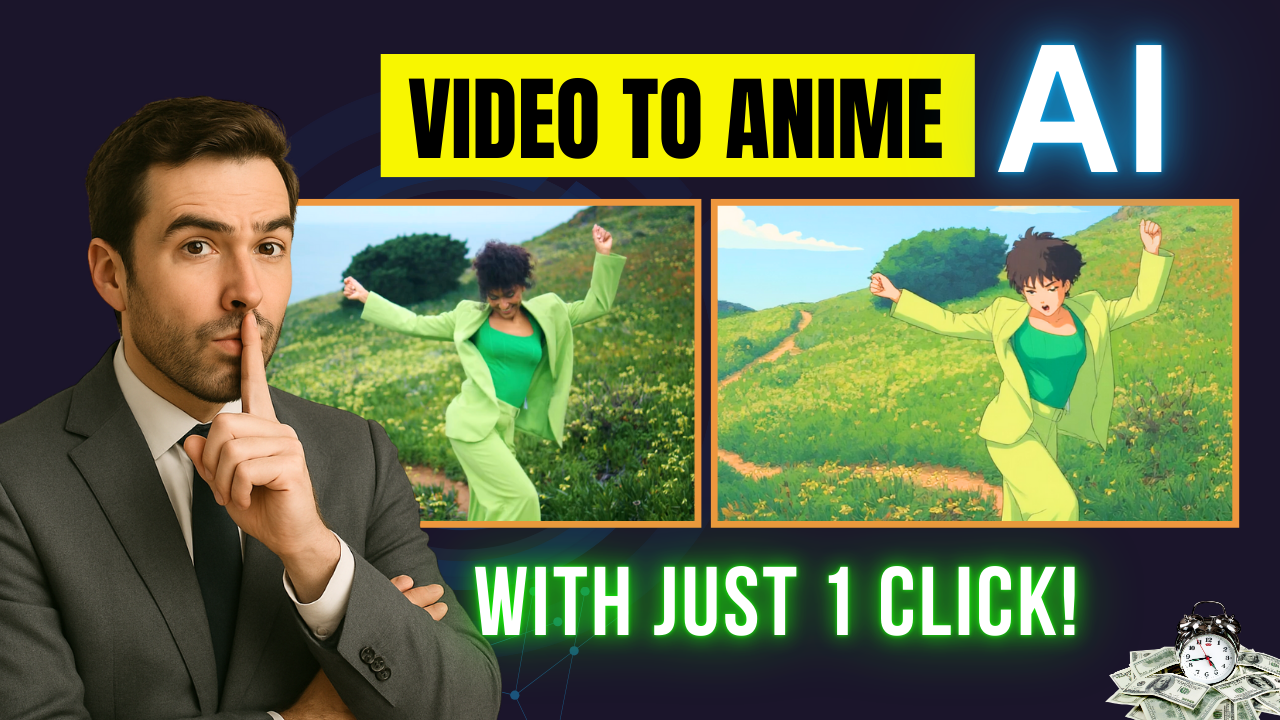
In today’s fast-paced digital world, content creators are always searching for new ways to stand out. Audiences are no longer satisfied with ordinary videos—they want something fresh, exciting, and unique. That’s where Video To Anime With Komiko AI comes in. With just a few clicks, this AI-powered tool can turn any ordinary clip into a vibrant anime-style masterpiece, ready to go viral on YouTube, TikTok, or Instagram.

Why Choose Video To Anime With Komiko AI?
Creating animated content traditionally requires professional skills, expensive software, and countless hours of editing. But with Komiko AI, the game has completely changed. The platform preserves every movement, expression, and detail of your original video while transforming the style into anime. Imagine recording a short dance video and instantly watching it reappear as a Studio Ghibli-style animation—all without needing any animation skills.
This isn’t just a fun experiment. Viral anime-style content grabs attention, increases engagement, and creates endless opportunities for monetization. From influencers to small businesses, anyone can use this tool to create content that connects with audiences worldwide.
Step-by-Step Guide to Using Komiko AI
Here’s how you can start transforming your videos today:
-
Create an Account – Visit Komiko AI’s website and register with a simple email and password.
-
Navigate the Dashboard – The interface is user-friendly, offering features like AI Art Generation, Comic Creation, and, most importantly, “Video to Video.”
-
Upload Your Video – Drag and drop your video (up to 15 seconds and under 50MB). For best results, make sure the most exciting part is at the beginning.
-
Choose Your Style – Select from over 90 templates, from classic anime to cosplay. You can also use text prompts or upload a reference image to create custom styles.
-
Generate the Video – Select settings such as model type (for human or non-human videos) and duration. Click “Generate” and let Komiko AI work its magic.
-
Preview and Export – Within moments, you’ll have a fully stylized anime video that maintains the motion and expressions of your original clip.
Features That Make Komiko AI Stand Out
-
Massive Style Library: Choose from anime, movie-inspired, or cosplay designs.
-
Motion Preservation: Every gesture, movement, and expression is faithfully retained.
-
Custom Prompts: Describe your own style to create a unique look.
-
Reference Images: Upload a specific art style, and the AI will adapt your video accordingly.
These features make Video To Anime With Komiko AI more than just a novelty—it’s a serious tool for creators who want to make professional, eye-catching content.
Creative and Business Opportunities
The potential applications go far beyond personal fun. With Video To Anime With Komiko AI, you can:
-
Create viral short-form content for TikTok, Instagram, and YouTube Shorts.
-
Build unique animations for your YouTube channel.
-
Offer anime-style video services to clients and businesses.
-
Develop original content for comics, entertainment, and marketing.
For creators looking to monetize their skills, this tool provides a fast, affordable way to deliver high-quality results.
Final Thoughts
Komiko AI is more than an AI tool—it’s a creative revolution. Whether you’re an aspiring YouTuber, a TikTok creator, or a business owner looking for new marketing strategies, Video To Anime With Komiko AI gives you the power to produce content that stops people from scrolling.
With just a few clicks, your ordinary videos can become extraordinary anime experiences. Don’t let your content get lost in the crowd—leverage AI to make it unforgettable.
- 👍 Like the video: From Boring To Viral: Video To Anime With Komiko AI (Step by Step) | Nhat Anh AI
- 🔔 Subscribe to Nhat Anh AI
- 💬 Comment what topic you want next
- 📤 Share with friends ready to grow their YouTube journey
- 🌐 Visit my website for more AI tools & tutorials: https://nhatanhai.com/
