
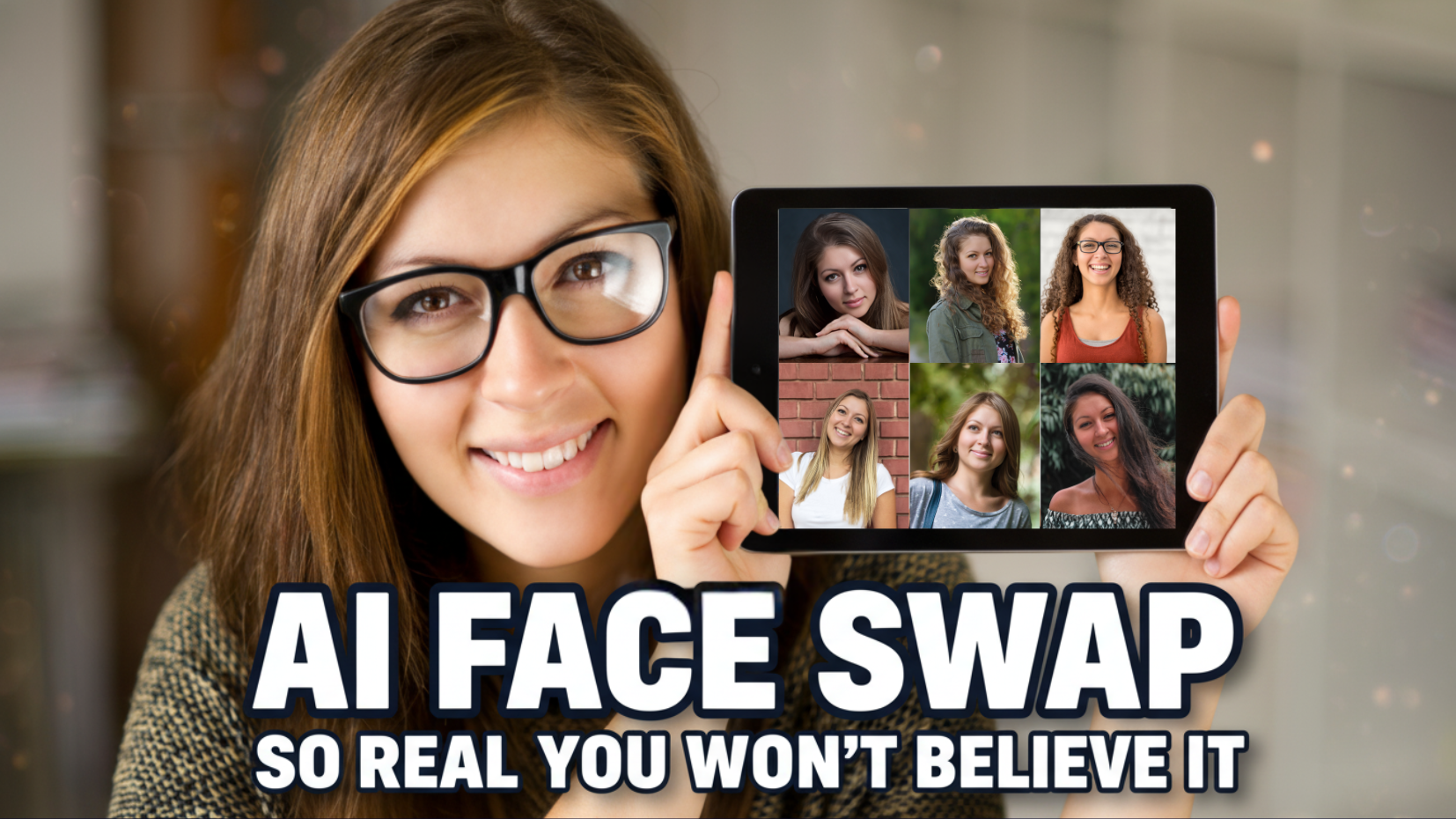
In the world of content creation, AI tools have revolutionized the way we approach design, video production, and photo editing. One standout tool that brings together multiple features into one easy-to-use platform is Remaker AI. This powerful tool is not only an image editor but also a video generator, making it an indispensable tool for content creators, marketers, and AI enthusiasts alike. One of its most popular features is Face Swap, which allows you to seamlessly swap faces in both photos and videos. Today, we’ll explore how Face Swap with Remaker AI can enhance your content creation process and take your visuals to the next level.

What is Remaker AI?
Remaker AI is an all-in-one AI tool that integrates multiple cutting-edge AI features. From face swaps, AI image generation, photo enhancement, background changes, and text-to-video creation, Remaker AI simplifies the entire content creation process. It also leverages Google’s Imagen model, one of the top image-generation AIs, to ensure that your visuals are produced with outstanding quality and precision.
Whether you’re a professional content creator looking to enhance your videos or someone who enjoys experimenting with AI, Remaker AI offers everything you need.
Here are the key features that Remaker AI offers:
-
Face Swap for both photos and videos.
-
Image Enhancements such as upscaling and sharpening.
-
Background Removal and Changes to suit any project.
-
Photo Editing for professional-grade results.
-
Text-to-Video and Image-to-Video creation.
-
Google’s Imagen Integration for high-quality image generation.
Part 1: How to Get Started with Remaker AI
Before diving into Face Swap with Remaker AI, the first step is to create an account. It’s simple:
-
Click the link provided to access Remaker AI.
-
Select the “Sign Up” button and log in using your Gmail account.
-
Once registered, you will be directed to the main interface of Remaker AI.
The layout is clean, intuitive, and easy to navigate, making it suitable for both beginners and experienced users. After logging in, you’ll have access to a variety of tools and features, but today, we’re focusing on the Face Swap functionality.
Part 2: Using Face Swap with Remaker AI
Part 1: Face Swap on Photos (Single Face)
Let’s start with one of the most popular features: the Single Face Swap. This feature allows you to replace a single face in a photo with another one.
Here’s how to use it:
-
Go to the Face Swap menu: From the main menu, click “Face Swap,” then choose the “Explore” option.
-
Upload your images: You’ll see two upload boxes. The first is for the original image (the one with the face you want to replace), and the second is for the target image (the face you want to insert).
-
Choose a model: Once your images are uploaded, you’ll see two model options: V1 and V2. For better results, choose V2 (the newer version).
-
Generate the swap: After selecting the model, Remaker AI will process the images and perform the face swap. In just a few seconds, you’ll see the face replaced seamlessly with no obvious errors.
The result is impressive, and you can download the image immediately. If you want higher quality, simply click the Upscale option to increase the resolution.
Part 2: Multiple Face Swap
Next, let’s explore the Multiple Face Swap feature, which allows you to replace several faces in a single image.
Here’s how to use it:
-
Upload a group photo: Click on “Photo Multiple Face Swap” and upload an image with multiple faces.
-
Replace faces: Once uploaded, Remaker AI automatically detects all the faces in the photo. You can then click the “+” icon next to each face and upload the new face you want to swap in.
-
Generate the result: After uploading the new faces, click Swap. The tool will process the image and replace the faces naturally.
This feature is perfect for group photos or when you need to swap multiple faces in one image quickly. It’s especially useful for content creators and meme makers who want fun and dynamic edits.
Part 3: Batch Face Swap
If you need to replace faces across many images at once, Batch Face Swap is the tool for you. This feature allows you to upload multiple images and swap faces in bulk.
Here’s how to use it:
-
Upload multiple images: Click on “Photo Batch Face Swap” and upload up to 50 photos.
-
Add target face: After uploading, scroll down and upload the face you want to insert into all the images.
-
Batch swap: Click Batch Swap, and Remaker AI will automatically process all the images and replace the faces. Depending on how many images you upload, this may take a few minutes.
Batch Face Swap is an excellent time-saving tool for editing large sets of images quickly and efficiently.
Part 4: Video Face Swap
What if you want to swap faces in a video? Remaker AI offers the ability to swap faces in videos with impressive results. Here’s how to do it:
-
Upload your video: Select “Video Single Face Swap” from the menu and upload the video you want to modify.
-
Upload the target face: Next, upload the face image you want to insert into the video.
-
Choose the swap quality: You’ll be given two options: Regular Swap (faster, cheaper) and HD Swap (slower, higher quality). If you’re creating professional content, HD Swap is recommended.
-
Generate the video: Click Generate and wait for the AI to process the video. Once complete, you can download the swapped video.
You can also use Video Multiple Face Swap or Video Batch Face Swap to swap multiple faces in a single video or across several videos at once.
Part 3: Advanced Features in Remaker AI
Beyond face swapping, Remaker AI offers a variety of other features:
-
Image AI tools: Generate images from text, edit photos, or remove unwanted objects.
-
Video AI tools: Convert images to video, create videos from text descriptions, and use video templates for faster production.
-
AI Enhancements: Upscale images, sharpen photos, and improve overall image quality with ease.
Part 4: Pricing and Conclusion
Remaker AI offers a range of free features, making it accessible to most users. However, some advanced tools, like high-resolution face swaps and batch processing, require credits. The pricing model is flexible, charging you only when you run out of credits, which makes it very cost-effective.
Whether you’re a content creator looking to add special effects to your videos or a marketer needing quick image enhancements, Face Swap with Remaker AI offers an incredible array of possibilities. Give it a try today, and see how this all-in-one AI tool can revolutionize your creative process.
Ready to dive in? Head to Remaker AI and start exploring today!
- 👍 Like the video: The SHOCKING TRUTH About Remaker AI’s Face Swap Capabilities
- 🔔 Subscribe to Nhat Anh AI
- 💬 Comment what topic you want next
- 📤 Share with friends ready to grow their YouTube journey
- 🌐 Visit my website for more AI tools & tutorials: https://nhatanhai.com/
