
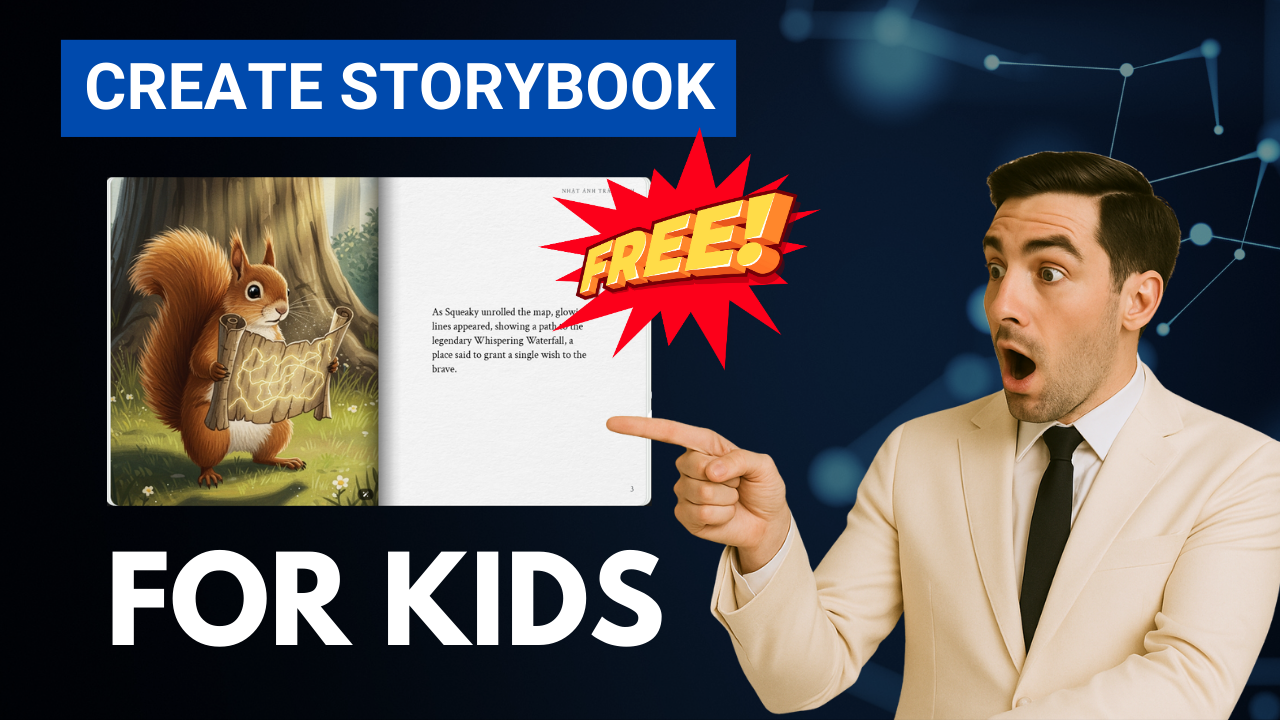
In recent years, the world of digital content has been transformed by AI tools. From AI-generated videos to automated writing assistance, these technologies are giving creators a completely new way to work faster and smarter. But one of the most exciting breakthroughs right now is the ability to creater storybook content using Gemini AI – and do it in a fully visual, professionally illustrated format with zero cost and zero design experience.
In this comprehensive guide, we’ll walk you step-by-step through how to create a complete AI comic book or storybook, fully illustrated and even narrated with natural voice, using only the tools available in Gemini AI. If you’ve ever dreamed of publishing your own children’s storybook, comic series, or even marketing-themed narratives, this guide will show you exactly how to do it.

🚀 Why Creater Storybook Content with Gemini AI?
Let’s start with one simple truth: creating comics, storybooks or graphic narratives usually takes weeks or even months of writing, sketching, illustrating, and editing. With Gemini AI, all you need is one single sentence – and the system will automatically transform that idea into a beautiful, coherent story with matching artwork and audio narration.
Here’s what makes Gemini AI the #1 platform right now if you want to creater storybook content:
| Feature | Benefit |
|---|---|
| ✅ Full story + illustrations | Generates story text + consistent art style automatically |
| ✅ Free to use | No paid subscription required for core features |
| ✅ Natural audio narration | Built-in read-aloud voices (male & female) |
| ✅ Easy customization | Change art style, edit characters, modify story details |
| ✅ Supports printing & sharing | Share PDF or print the book like a physical copy |
In short, Gemini AI isn’t just an AI text generator – it’s a complete creater storybook suite that helps you turn ideas into full-fledged creative products.
Step 1: Access the Storybook Feature in Gemini AI
To start, open your browser and go to the official Gemini AI platform. You can use the free version – no payment or activation required.
There are two ways to access the storybook function:
🔹 Method 1: Look for the Storybook icon on the main dashboard. Click and Gemini AI will launch storybook mode.
🔹 Method 2: Start a normal chat and write a command such as:
“Create a storybook about a brave squirrel who discovers a magical map.”
Gemini AI will immediately switch to Storybook Creation Mode and begin generating the full comic layout.
💡 Tip: If you don’t see the Storybook icon, click on “Explore Gemini” in the top-left menu and you will find it under “Creative Tools”
Step 2: Creater Storybook with Your First Prompt
Now you can start the fun part. Simply write a descriptive sentence about the kind of storybook you want Gemini AI to make. For example:
“Create a professional 10-page storybook about a brave squirrel who finds a mysterious map in the forest. Style: bright, colorful illustration for kids”
Gemini AI will process your request and generate:
-
The story structure (introduction, plot development and ending)
-
Matching illustrations with consistent art style
-
Automatic narration option for each page
It usually takes 1–2 minutes to complete a 10-page comic book.
Step 3: Add Your Own Characters or Images (Optional)
One of the most powerful features when you creater storybook content using Gemini AI is the ability to upload your own character images.
This is extremely useful if:
-
You want to turn yourself into a main character
-
You’ve already designed a mascot for your brand
-
You want continuity across several stories
Simply click the Upload Image button (shown at the prompt area) and Gemini AI will automatically generate the illustrations using your character.
Step 4: Listen to the Built-in Narration
After the storybook is generated, click the audio icon. You’ll instantly hear a fully natural voice narrating the story. The system allows you to choose between:
-
Deep male voice
-
Cheerful female voice
-
Soft storytelling tone (for bedtime stories)
You can play, pause, or restart the narration from any page.
✅ Pro Tip: If you plan to publish your AI comic on YouTube or TikTok, you can even record the narration and use it directly as a voice-over for video content.
Step 5: Customize the Art Style (Pixel, Anime… or Anything Else!)
Gemini AI gives you full freedom to change the visual style of your storybook with a single command. Here are a few examples you can try:
Within seconds, all artwork will be redrawn in the new style while still matching the original characters and story.
This is perfect if you want to test multiple options and see which one fits your target audience.
Step 6: Create a Coloring Book Mode (Great for Kids Content)
If you want to transform your comic into a coloring book, simply enter a request like:
“Convert this storybook into a coloring book version.”
Gemini AI will remove all color tones and produce outlined illustrations – ready to print and color. Parents, teachers and children will love this feature.
You can use it to:
-
Sell printable coloring books through Etsy
-
Offer free educational sheets on your website
-
Combine storytelling + creative learning
Step 7: Edit Specific Details
Want to change a small part of the story? No problem. You can instruct Gemini AI to modify individual pages or characters.
For example:
“Update page 3 by changing the bus driver from a tall, thin man to a short, chubby woman.”
The AI will regenerate only that page with the new content while keeping everything else exactly the same.
This makes it incredibly easy to personalize and polish your book until it’s perfect.
Step 8: Share or Print Your Storybook
Once you’re satisfied with the result, simply click Share or Print directly from the Gemini AI interface.
You can export the final storybook as:
-
PDF for online sharing
-
Physical print as a real booklet
This is ideal for marketing campaigns, educational material, birthday gifts, or even showcasing your work in a portfolio.
Bonus: 50 Story Prompts to Help You Creater Storybook Faster
To help you get started quickly, below are 10 sample prompt ideas (you can expand them into a set of 50 for your audience later):
-
“Create a storybook about two cats who travel to space on a cheese rocket.”
-
“Create a relaxing bedtime story with watercolor art about a moonlight forest.”
-
“Create a comedy comic in pixel art style about a potato detective solving crimes.”
-
“Create a storybook about a girl who talks to trees in a magical garden.”
-
“Create an anime-style comic where a brave rabbit becomes the king of the city.”
-
“Create a sci-fi storybook about a smart robot learning to speak with dolphins.”
-
“Create a storybook about a little panda who travels the world to find the meaning of friendship.”
-
“Create a fantasy story with digital art about a young wizard who saves his village from shadow creatures.”
-
“Create a cyberpunk comic in neon style about a group of hackers fighting for justice.”
-
“Create a heartwarming storybook about a lonely snowman searching for a friend in winter.”
Conclusion
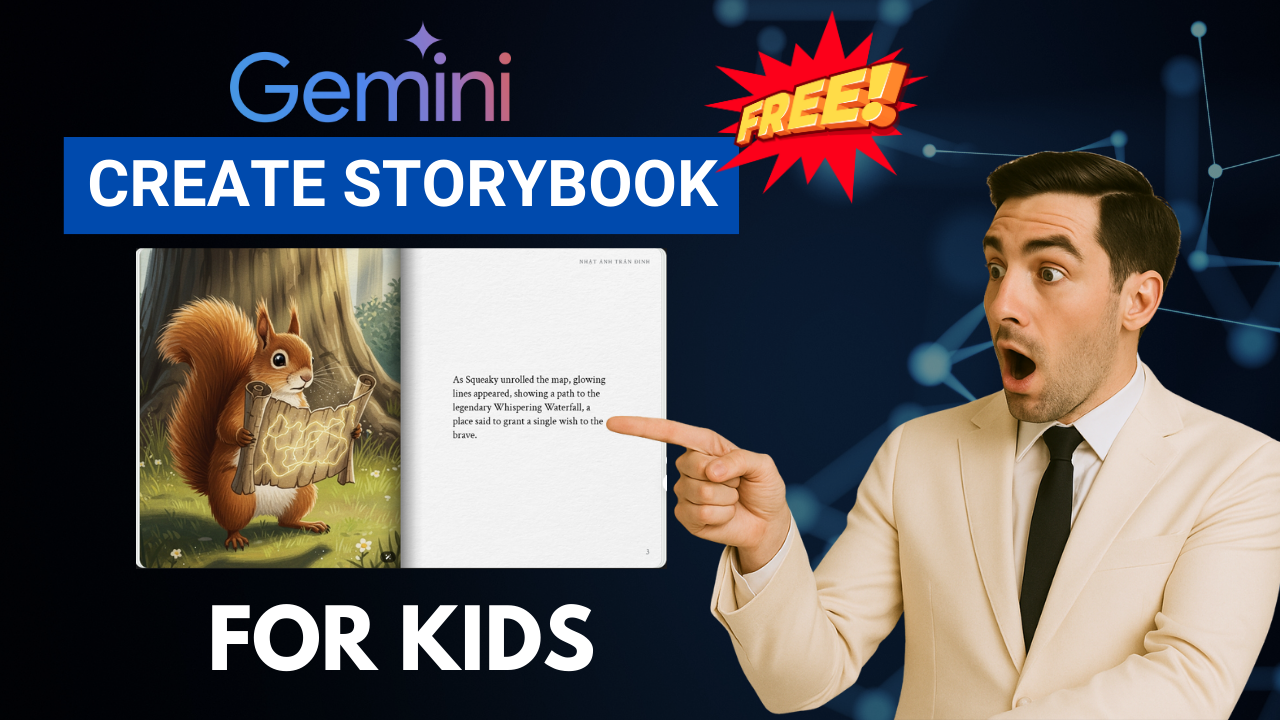
The combination of Creater storybook workflows and Gemini AI is opening a completely new chapter in digital content creation. With just one prompt, you can generate a professionally illustrated comic, customize the art, edit the narrative, enable natural narration and even convert everything into a printable coloring book.
Whether you’re an educator, marketer, content creator or simply a person who loves storytelling — this tool gives you unlimited possibilities to express your creativity.
- 👍 Like the video:
- 🔔 Subscribe to Nhat Anh AI
- 💬 Comment what topic you want next
- 📤 Share with friends ready to grow their YouTube journey
- 🌐 Visit my website for more AI tools & tutorials: https://nhatanhai.com/
So what are you waiting for?
Head over to Gemini AI, creater storybook content of your own, and start sharing your AI-powered comics with the world!
