
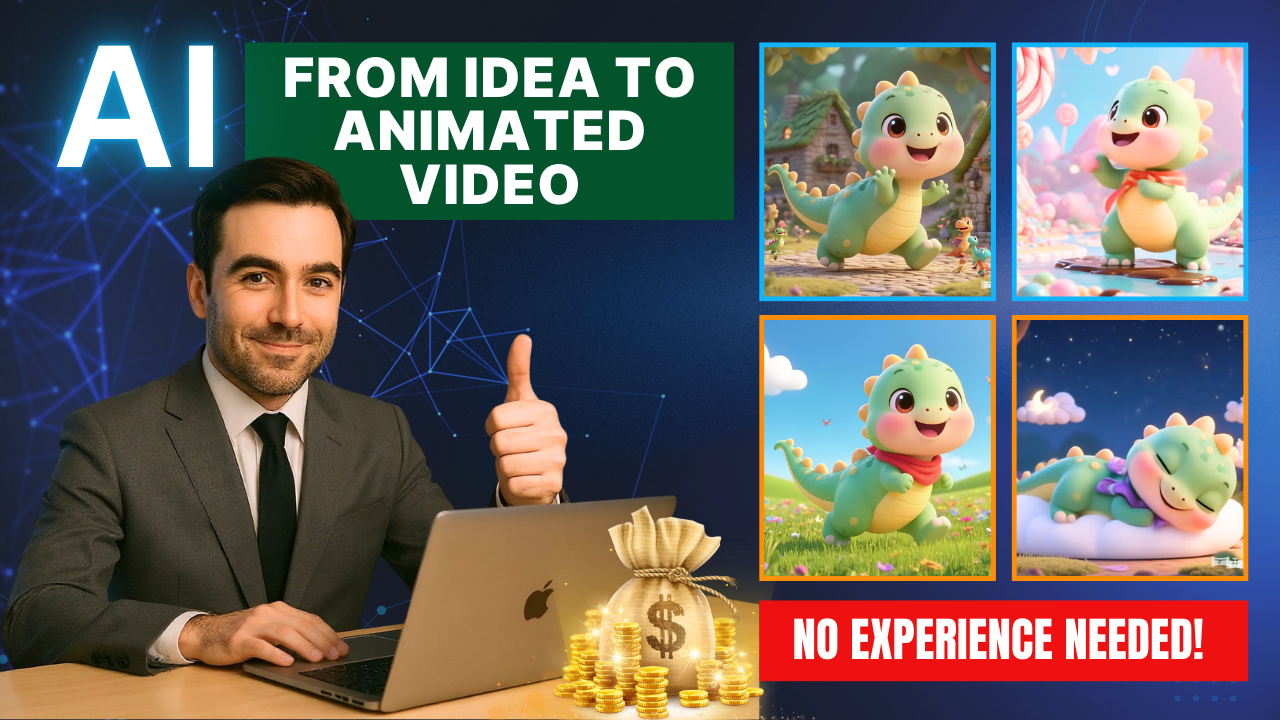
Have you ever wished you could make your own animated videos but felt limited by lack of skills, expensive software, or the steep learning curve of animation tools? Good news: today, creating professional-looking animations is easier than ever thanks to AI Animated Videos with ToMoviee AI.
This powerful AI platform allows anyone—even complete beginners—to turn simple ideas into dynamic videos. Whether you’re a content creator on YouTube, a marketer designing visuals, or a teacher preparing educational material, ToMoviee gives you the tools to produce animated clips in minutes, completely free.

Why ToMoviee AI Is a Game-Changer
Traditional animation requires tools like Blender or After Effects, which take months to master. With AI Animated Videos with ToMoviee AI, all you need is a clear idea and a few prompts. The platform combines image generation, animation, and editing into one workflow, so you can go from concept to final video without juggling multiple tools.
ToMoviee is especially useful because it:
-
Maintains character consistency across scenes.
-
Generates both images and videos directly.
-
Offers a beginner-friendly interface.
-
Provides free usage for testing and learning.
Step 1: Crafting the Perfect Prompt
Every AI workflow begins with prompts. Start by using ChatGPT (or your favorite AI assistant) to create a detailed description of your main character and background. For example, if you want a cute cartoon dinosaur, your prompt should include details like its color, size, and expressions. ChatGPT can also generate variations for different scenes so you’ll have a complete story.
Step 2: Generating Images with ToMoviee AI
Head over to the ToMoviee website and select Image Generation. Paste your character description and choose a 16:9 aspect ratio for YouTube videos. Within seconds, ToMoviee generates stunning character images.
To expand your video, create multiple backgrounds—such as a grassy field, a riverside, or a forest. Use the Reference to Images feature to lock your character’s look while changing only the background. This ensures the same dinosaur appears consistently across all scenes.
Step 3: Turning Images into Animated Clips
Here’s where the magic happens. Hover over an image and select Image to Video. ToMoviee AI lets you add a motion prompt, such as “dinosaur walking slowly, looking around curiously.” The AI then creates a smooth animation based on your description.
Repeat the process for each scene, and soon you’ll have multiple animated clips ready to be combined.
Step 4: Editing and Adding Audio
After generating your animated clips, download them and import into a simple video editor like CapCut or DaVinci Resolve. Add transitions for smooth scene changes, then layer in background music and sound effects. For free tracks, try YouTube Audio Library—or use AI music tools like Suno AI for custom soundscapes.
The result? A complete animated short film that looks professional without requiring advanced editing skills.
Real Applications of AI Animated Videos with ToMoviee AI
The potential uses are enormous:
-
YouTube & TikTok: Create short, engaging animated content.
-
Marketing & Ads: Produce product explainer videos quickly.
-
Education: Design animated lessons for e-learning.
-
Entertainment: Build fun characters and stories for social media.
Because the tool is free to start, you can experiment endlessly and scale up once you’re confident in your workflow.
Bonus Tips for Better Results
-
Always include details about lighting, angles, and mood in prompts for more cinematic results.
-
Be specific about your character’s unique features (color, clothing, size) to maintain consistency.
-
Refine motion prompts—“walking slowly with head movements” is better than simply “walking.”
Conclusion
With AI Animated Videos with ToMoviee AI, creating animations is no longer limited to professionals. Anyone can brainstorm ideas, generate characters and scenes, animate them, and produce polished videos—all without spending a dime or learning complex software.
If you’re a content creator, marketer, or educator, this tool can save you hours of work and open up endless creative opportunities. The future of animation is here—and it’s powered by AI.
- 👍 Like the video: From Idea to Animated Video with Tomoviee AI | Make Money On YouTube Step by Step 🎬
- 🔔 Subscribe to Nhat Anh AI
- 💬 Comment what topic you want next
- 📤 Share with friends ready to grow their YouTube journey
- 🌐 Visit my website for more AI tools & tutorials: https://nhatanhai.com/
