
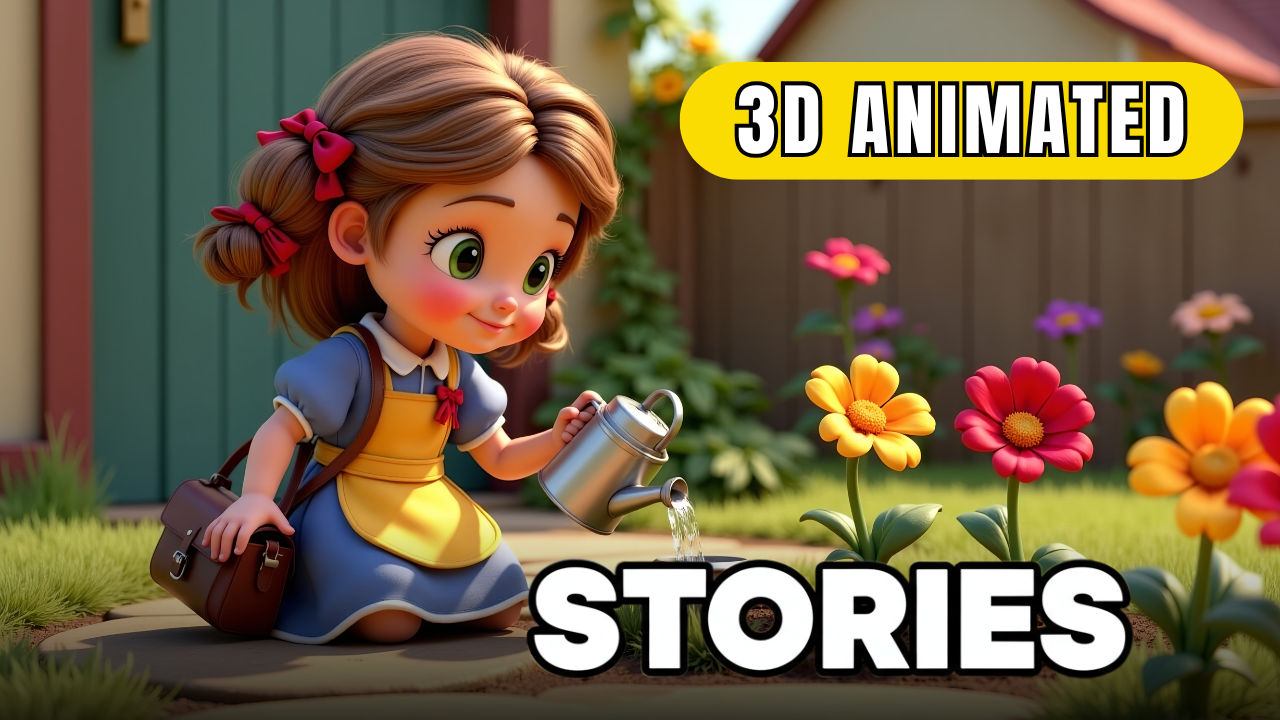
For a long time, 3D animation was something only professional studios could achieve. Creators had to learn advanced software like Maya or After Effects, invest thousands of dollars, and spend months on production. But today, things are different. Thanks to AI, anyone can create 3D animated videos with Openart AI using only a normal computer and a few smart tools.
This article will walk you through the full workflow—scriptwriting, character creation, animation, voiceover, and editing—so you can see how simple and powerful AI animation has become.

Step 1: Write the Script with AI
Every great video begins with a strong story. Instead of spending hours brainstorming, you can use ChatGPT to generate fresh ideas. For example, you can ask:
“I’m creating animated videos for children. Please suggest 10 inspiring story ideas, each with a title and a short summary.”
Once you’ve chosen an idea, refine it by asking ChatGPT for a detailed script divided into scenes, with setting descriptions, character actions, and light dialogue. The more specific your prompt, the better the result. This ensures you start your project with a clear and engaging storyline.
Step 2: Create Consistent Characters
Character consistency has always been a challenge in animation. With Openart AI, that problem is solved. You can build a character from a written description, a single image, or even multiple references.
By giving details such as hairstyle, clothing, and facial expressions, you guarantee the character looks the same across all scenes. Choosing a style—such as Pixar-inspired design—sets the tone of your entire video. With just one prompt, Openart generates several options, and you can select the one that matches your vision best.
Step 3: Generate Scenes
Once the characters are ready, it’s time to build the scenes. With Openart AI, you can create stunning 3D images that match the script. Each prompt should include not only the environment but also the mood and character actions.
For example:
“A young girl named Sofia stands in a magical garden full of glowing flowers, her eyes wide with wonder as she discovers a hidden path.”
Make sure to set the aspect ratio to 16:9 for YouTube or widescreen content. The result is high-quality 3D artwork that looks ready for animation.
Step 4: Animate the Images
This is where the magic happens. Openart’s Image to Video feature transforms static images into smooth, dynamic animations. You just upload a scene and add a motion prompt such as:
“Sofia walks slowly through the enchanted garden as a gentle breeze moves her hair.”
With the right prompts, Openart produces lifelike movements that bring the story to life. ChatGPT can even help refine your motion prompts to add more energy, emotion, or cinematic effects.
Step 5: Add Voiceover and Sound
No animated film feels complete without narration and sound. Using ElevenLabs AI, you can generate realistic voiceovers that match your story’s tone—whether warm and friendly, dramatic, or playful.
Pair the narration with soft background music and subtle sound effects like wind chimes, footsteps, or birdsong. These small details add depth and immersion to your animation.

Step 6: Edit and Finalize
Finally, bring everything together with a free editor like CapCut. Import your animated clips, align them with the narration, and smooth transitions between scenes. Background music and sound effects will complete the professional polish.
In just a few hours, you’ll have a complete 3D animated video that looks like it came from a professional studio—yet all of it was created with AI.
Why Use Openart AI for 3D Animation?
-
Accessibility: No professional training or expensive software needed.
-
Consistency: Characters stay the same across all scenes.
-
Speed: Create animations in hours instead of weeks.
-
Scalability: Perfect for YouTube, online courses, or business content.
Conclusion
AI has changed the rules of animation forever. With the right workflow, you can create 3D animated videos with Openart AI that are professional, consistent, and cost-effective. Whether you’re building a YouTube channel, creating educational content, or producing marketing videos, this method opens new opportunities for both creativity and income.
Now is the best time to experiment with AI animation—because what once required a studio team can now be achieved by anyone with a computer and imagination.
- 👍 Like the video: How to Make Professional 3D Animated Cartoon Videos Using Openart AI | Nhat Anh AI
- 🔔 Subscribe to Nhat Anh AI
- 💬 Comment what topic you want next
- 📤 Share with friends ready to grow their YouTube journey
- 🌐 Visit my website for more AI tools & tutorials: https://nhatanhai.com/
