
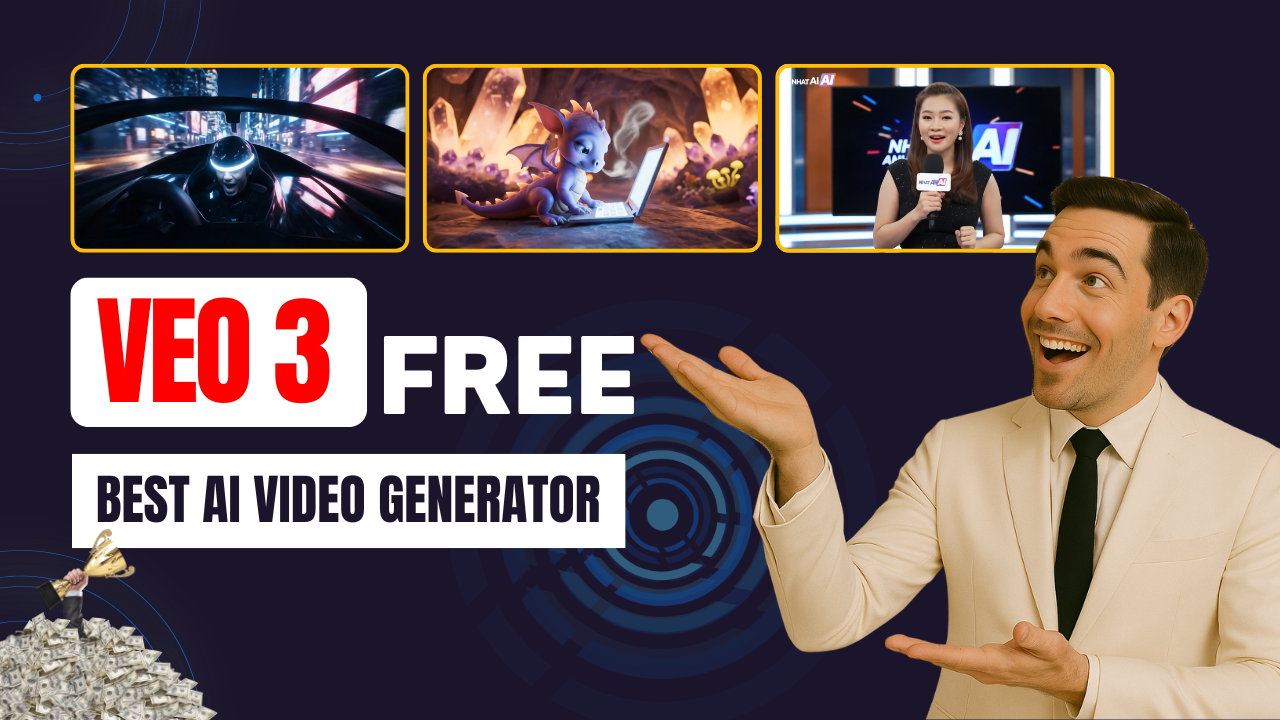
Are you ready to explore the world of AI video creation and take your content to new heights? Look no further than Google Veo 3, one of the most advanced text-to-video AI generators available today. With its powerful capabilities, Veo 3 transforms your text prompts into cinematic, high-quality videos that rival big-budget productions—without the expensive equipment or professional team.
What is Google Veo 3?
Google Veo 3 is developed by Google DeepMind, a leader in AI innovation. This cutting-edge tool allows creators to craft lifelike videos with just a few simple text prompts. From cinematic landscapes to emotional character moments and action-packed sequences, Veo 3 brings your vision to life in stunning detail. It’s so powerful that the movements are incredibly smooth, the details sharp, and the sound synchronization flawless. Whether you’re a novice or an experienced creator, Veo 3 provides everything you need to produce professional videos.
Why Google Veo 3 Is a Game-Changer
Veo 3 has quickly become a favorite among creators for its ability to create jaw-dropping AI-generated videos. What makes it stand out in the crowded AI space? The simple answer: accessibility and power. With Veo 3, you don’t need to invest in expensive software or hardware. It’s entirely cloud-based, and new users can start with a one-month free trial. Students can unlock an entire year of free Pro access, making it a great tool for budget-conscious creators.
How Does Veo 3 Work?
Creating stunning videos with Veo 3 is easier than you might think. Here’s a quick rundown of how to get started:
-
Log in to Gemini Pro: Access Veo 3 through the Gemini 2.5 Pro platform. Once logged in, click the video icon to launch the Veo 3 interface.
-
Craft Your Perfect Prompt: The quality of your video largely depends on how you craft your prompts. Start by identifying your subject (e.g., a person, object, or animal), describing the background (a bustling city, serene mountains, etc.), and defining the action (walking, running, jumping, etc.). Don’t forget to specify the style, such as cinematic drama or documentary realism.
-
Enhance with Camera Techniques: Use terms like “wide-angle shot” or “tracking shot” to guide the visual composition. You can also specify camera motions such as slow dolly shots or dynamic angles for added depth.
-
Hit Send and Wait for the Magic: Once your prompt is ready, click the send button, and Veo 3 will take care of the rest. In just a few minutes, you’ll receive your high-quality video, complete with fluid movements, perfect lighting, and sound synchronization.
Tips for Mastering Google Veo 3
-
Experiment with genres: Don’t limit yourself to realistic content—try science fiction, fantasy, or abstract art to explore new creative possibilities.
-
Learn camera language: Incorporating terms like “close-up,” “low angle,” or “tracking shot” can dramatically change the visual impact of your videos.
-
Add audio: Enhance your videos with sound effects, background music, or even dialogue to create a richer emotional experience.
-
Combine styles: Try blending realistic characters with surreal or futuristic settings to create something truly unique.
-
google-veo-3-the-best-ai-video-generator
Why Should You Use Google Veo 3?
Google Veo 3 is an incredible tool for anyone looking to break into the world of AI video creation. Whether you’re creating viral content for social media, producing short films, or even making a full-length feature, Veo 3 gives you the tools to bring your ideas to life. With its free trial and student plans, there’s no reason not to dive in and start experimenting today.
Don’t miss out on this revolutionary AI tool. Explore Google Veo 3 and unlock your creative potential! Start experimenting, share your creations, and become a part of the AI video revolution today.
📢 Final Call to Action
Ready to level up your content and start making money online? Visit nhatanhai.com/fliki, apply the HELLOFLIKI discount code, and unlock 30% off your first month today!
If this guide helped you:
- 👍 Like the video, Google Veo 3: The Best AI Video Generator
- 🔔 Subscribe to Nhat Anh AI
- 💬 Comment what topic you want next
- 📤 Share with friends ready to grow their YouTube journey
Thanks for watching—and see you in the next video, where we explore even more powerful AI tools to boost your creative income. Stay creative and keep building! 💪
