
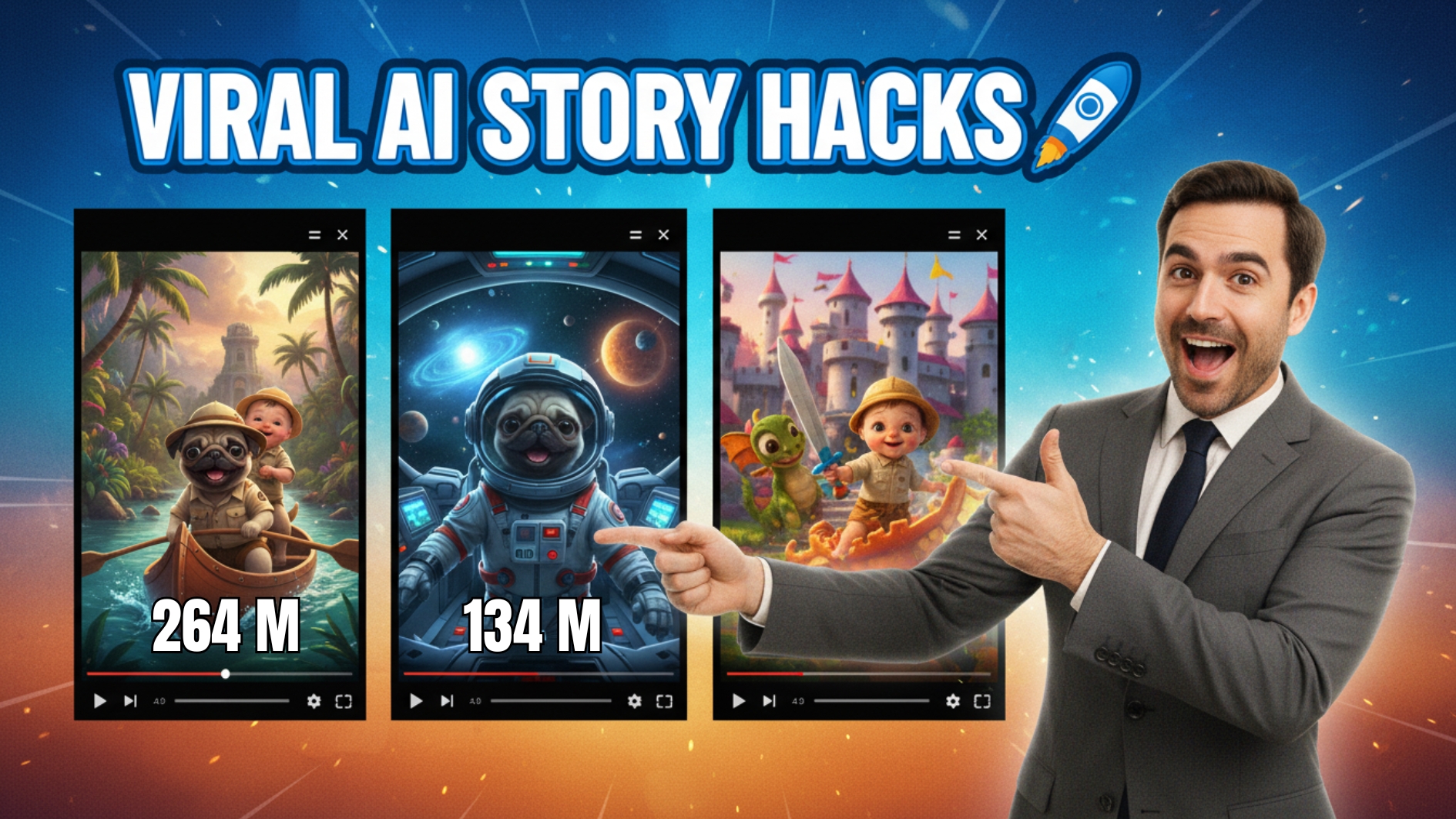
Have you ever watched an AI-generated video that reached millions of views and thought, “How did they do that?” Believe it or not, those stunning, emotional videos aren’t created by studios or filmmakers — they’re made by everyday creators using AI tools. Today, you’ll learn how to make your own AI story videos with Pixverse AI, completely free, and discover why this workflow is taking over YouTube and TikTok.

The Rise of AI Story Videos
AI storytelling has become one of the most powerful ways to capture audience attention. From emotional rescue stories to dramatic fantasy scenes, AI-generated visuals are now creating movie-quality content that viewers can’t stop watching.
One of the most popular examples is the “dog rescues baby” video — a heart-stopping sequence of a baby falling from a burning plane and a loyal dog diving into the ocean to save it. This type of storytelling proves that emotion-driven narratives, when paired with the right AI tools, can go viral effortlessly.
And that’s exactly what you’ll learn today: how to create cinematic AI story videos with Pixverse AI in just a few simple steps.
Step 1: Write Your Story with ChatGPT
Every great video starts with a great story. Open ChatGPT and ask it to create a short, emotional story — for example, about a cute Pug puppy saving its owner. ChatGPT will generate several story ideas for you. Choose the one that touches your heart the most.
Then, ask ChatGPT to turn that story into 10 detailed scene descriptions. These descriptions will become your image prompts — the foundation for creating visuals in the next step of your AI story videos with Pixverse AI.
Step 2: Generate Images with Whisk AI
Next, head to Whisk AI, a free text-to-image tool. Take the first scene description from ChatGPT, paste it into Whisk AI’s prompt box, and click Generate. Within seconds, you’ll have a stunning image — detailed, emotional, and perfect for storytelling.
Repeat the process for all 10 prompts to get a complete visual storyboard. These images will be the building blocks for your AI story videos with Pixverse AI.
Step 3: Animate Your Scenes Using Pixverse AI
Now comes the most exciting part — turning your still images into dynamic, cinematic clips using Pixverse AI.
Go to the Pixverse AI homepage, upload your first image, and describe the motion you want to create — for example:
“The Pug puppy looks up as ocean waves crash around it, camera slowly zooms in.”
Click Generate, and in just a few seconds, Pixverse AI transforms your static image into a moving scene. The realism, lighting, and emotion are incredible — it looks like a shot from a movie.
Repeat this process for each scene. In a few minutes, you’ll have all the moving clips you need to complete your AI story video with Pixverse AI.
Step 4: Edit and Add Sound in CapCut
Now that you’ve generated all your clips, it’s time to edit. Import them into CapCut, arrange them in order, and adjust the speed to make transitions smooth and engaging.
Then, add music and sound effects. You can find free background tracks and ambient sounds on YouTube’s Audio Library. For example, if your Pug is running through the rain, add footsteps and thunder. These details elevate your AI story videos with Pixverse AI from good to unforgettable.
When you’re done, export your project in 4K quality — ready to upload to YouTube Shorts, TikTok, or Instagram Reels.
Why Pixverse AI is a Game Changer
The reason AI story videos with Pixverse AI are going viral is simple — the tool combines visual realism with motion control in a way few others can. It understands natural camera movement, lighting, and emotional pacing, making every clip feel alive.
And the best part? It’s completely free to start. You don’t need editing experience, design skills, or expensive hardware — just your imagination and a few minutes of time.
Final Thoughts
Creating AI story videos with Pixverse AI isn’t just about generating visuals — it’s about evoking emotion. Whether you’re telling a story about a brave puppy, a lost traveler, or a fantasy hero, Pixverse AI gives you everything you need to bring your ideas to life.
With the combination of ChatGPT for storytelling, Whisk AI for visuals, and Pixverse AI for animation, anyone can create viral-quality videos that rival professional productions.
So, what are you waiting for? Start creating your own AI story videos with Pixverse AI today — and maybe your next upload will be the one that hits a million views.
- 👍 Like the video: 🚀 How to Unwatermark Video Sora AI & Veo 3 — Remove Watermark Instantly with This Free Tool!
- 🔔 Subscribe to Nhat Anh AI
- 💬 Comment what topic you want next
- 📤 Share with friends ready to grow their YouTube journey
- 🌐 Visit my website for more AI tools & tutorials: https://nhatanhai.com/
- 🤖 AI Tools You Need:
- 👉 🎨 Whisk AI: https://labs.google/fx/tools/whisk
- 👉 🎬 Pixverse AI: https://nhatanhai.com/pixverse
- 👉 🧠 ChatGPT: https://chat.openai.com/
