
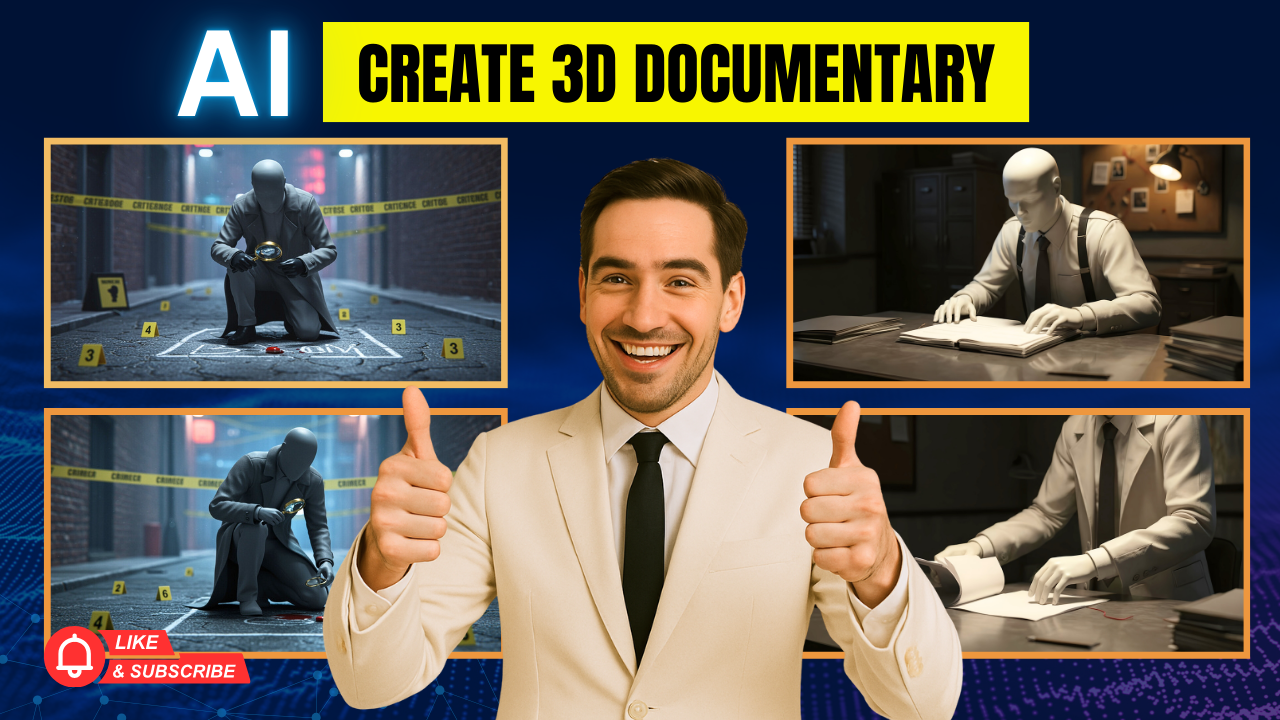
Have you ever watched those breathtaking 3D documentary videos on YouTube that look like they belong in a Hollywood film? Most people assume they require years of animation training and expensive software. The truth is, with the right tools, anyone can now create 3D documentary with Openart AI in just minutes.
This guide will walk you step by step through the process of generating cinematic 3D scenes, animating them, and turning them into professional documentary-style videos. By combining Openart AI with ChatGPT, you can build visually consistent, Hollywood-quality content faster than ever.

Why Use AI for 3D Documentary Creation?
Traditional 3D animation demands heavy software, long render times, and advanced technical knowledge. With AI, the workflow becomes faster, cheaper, and much more accessible. Openart AI provides photorealistic lighting, reflective textures, and smooth camera movements—all without requiring 3D design expertise.
The key advantage is consistency. Every scene follows the same style, ensuring your finished documentary looks professional and cohesive.
Step 1: Generate Optimized Prompts with ChatGPT
The foundation of every great video lies in strong prompts. Instead of writing vague descriptions, use ChatGPT to produce detailed, 3D-ready prompts. For example, if you’re creating a detective cold-case documentary, you can instruct ChatGPT to generate prompts such as:
“A highly stylized 3D render of a faceless human figure with reflective surfaces, standing in an investigation office under cinematic lighting.”
By formatting prompts this way, you instantly set the tone for a professional 3D documentary.
Step 2: Turn Prompts into Images with Openart AI
After preparing prompts, head to Openart AI. Instead of using the default model, select Imagine 3 by Google, which is optimized for creating high-quality 3D renders with depth and realistic lighting.
Set the aspect ratio to 16:9 for YouTube content, paste your prompt, and generate multiple variations. In just seconds, you’ll have cinematic images featuring your chosen style—such as faceless reflective characters, perfect for documentary storytelling.
Step 3: Add Multiple Camera Angles
Professional documentaries never rely on one static shot. To bring realism, generate several variations of each scene: wide shots, close-ups, and over-the-shoulder perspectives. ChatGPT can quickly provide camera angle variations, which you can then recreate in Openart AI for maximum storytelling impact.
Step 4: Animate Still Images into Video
Here’s where Openart AI really shines. Use the Image-to-Video feature to add smooth motion. Upload your generated image, select a video model such as Kling 2.1, and apply a motion prompt like:
“Slow push-in camera movement with subtle lighting shifts.”
Within minutes, your static image transforms into a cinematic clip that looks as though it was filmed with real camera equipment.
Step 5: Build Consistency Across Scenes
For a documentary, visual consistency is everything. By keeping the same faceless reflective character style across crime scenes, evidence rooms, and interviews, your project achieves a seamless look. This makes your video appear polished and professional, even though each scene takes under two minutes to create.
Real Applications of 3D Documentaries with AI
When you create 3D documentary with Openart AI, the possibilities are endless:
-
YouTube Content – Build educational or mystery documentaries that attract millions of views.
-
Business Marketing – Produce premium visual content for clients without large production costs.
-
Creative Storytelling – Develop historical, crime, or sci-fi documentaries with unique styles.
Final Secret to Success
The true secret isn’t about mastering complex tools. It’s about using AI intelligently. Those who understand how to combine ChatGPT and Openart AI can create professional 3D documentaries at scale—and even monetize this skill by offering premium content to businesses and media creators.
Conclusion
What once took months of learning and thousands of dollars can now be done in less than an hour. With ChatGPT for structured prompts and Openart AI for cinematic rendering and animation, you can create 3D documentary with Openart AI that rivals professional studios.
Start experimenting today and unlock a completely new level of creative storytelling.
- 👍 Like the video: Create 3D Documentary with Openart AI for YouTube & Start Making Money Online
- 🔔 Subscribe to Nhat Anh AI
- 💬 Comment what topic you want next
- 📤 Share with friends ready to grow their YouTube journey
- 🌐 Visit my website for more AI tools & tutorials: https://nhatanhai.com/
