
AI Video Generator with Videogen: Create Stunning Short Videos in Minutes
Are you tired of spending hours editing videos or running out of content ideas? Say hello to the future of content creation — the AI video generator with Videogen. Whether you’re a total beginner or a seasoned creator, Videogen makes it incredibly easy to create professional short videos in just minutes, with no camera, microphone, or editing skills required.
What is Videogen?
Videogen is a powerful, browser-based AI video generator that transforms your ideas into stunning videos automatically. Just type your script or use ChatGPT to generate content ideas. Videogen will do the rest — from writing scripts and adding AI voiceovers to matching stock video clips and rendering everything in HD or even 4K.
Why use the AI video generator with Videogen?
-
No editing skills needed
-
Fully automated process: scripting, visuals, voiceovers
-
Supports multiple languages and video formats
-
Ideal for TikTok, Reels, YouTube Shorts, and Facebook
-
Huge library of royalty-free music and stock footage
-
Export videos ready to upload in just minutes
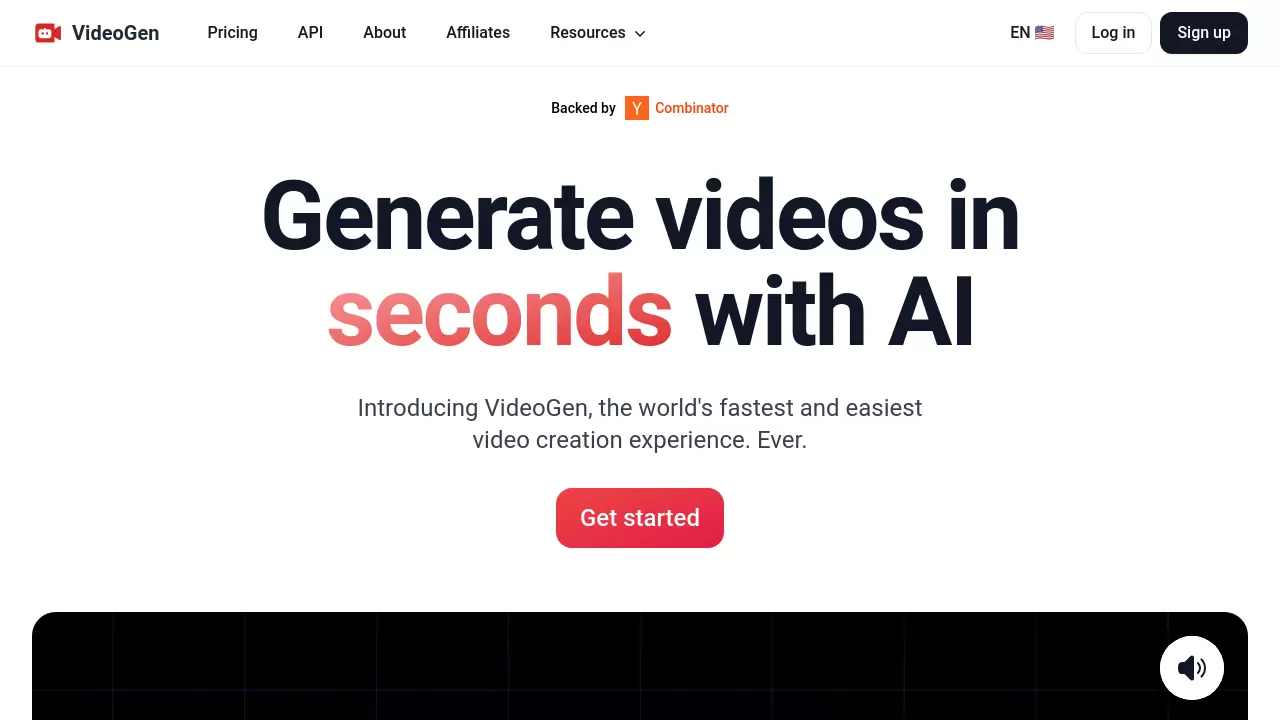
ai-video-generator-with-videogen
How to Get Started:
-
Go to the Videogen website and sign up (Google login is fastest)
-
Try the free plan or upgrade to Pro for branding, longer videos, and 3D templates
-
Click “Create Video”
-
Choose aspect ratio (9:16 for Shorts), word count (150 words is ideal), and your AI voice
-
Customize clips, adjust music, and hit “Create Video”
Want to supercharge your workflow? Combine ChatGPT + the AI video generator with Videogen. Ask ChatGPT for 20 video ideas, then let Videogen bring them to life.
Perfect for:
-
Content creators
-
Affiliate marketers
-
Coaches & online educators
-
Social media managers
-
Anyone building a personal brand
With just one hour a day, you can batch-produce 10–20 videos and build a powerful content library that works for you — even while you sleep.
Ready to automate your video creation process? Discover the AI video generator with Videogen today and transform the way you create content forever.
If you found this tutorial helpful, don’t forget to:
🔔 Subscribe to Nhat Anh AI for more awesome AI tips!
👍 Smash that like button!
💬 Comment below if you have any questions – I read and reply to every comment!
👉 And most importantly, use the link and promo code in the description to grab your 30% OFF before it’s gone!
