
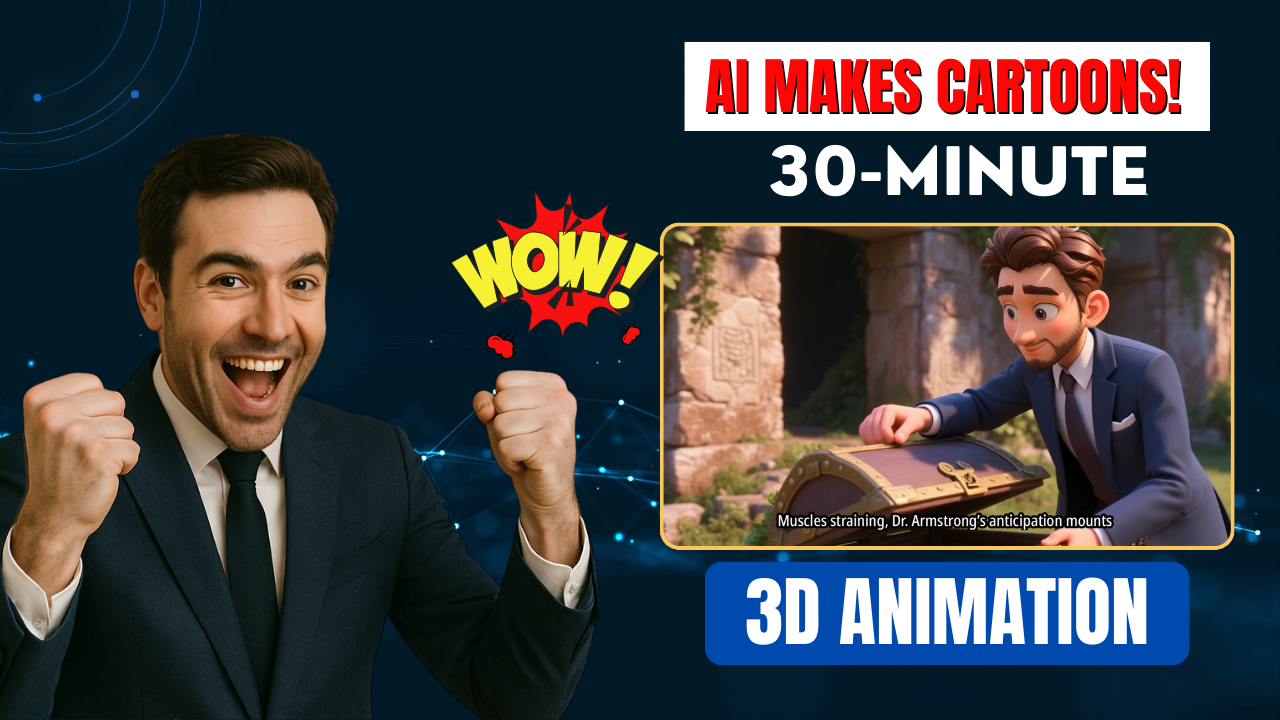
If you’ve been searching for a way to build long, high-quality animation videos without spending weeks on traditional video production, the AI Video Generator with Magiclight AI is the perfect solution. This powerful tool allows anyone to turn a simple sentence into a full 30-minute 3D animation – complete with consistent characters, professional dialogue, visual effects and an engaging storyline.
In this SEO guide, we’ll show you how to use the AI Video Generator with Magiclight AI to create your own cinematic content in just a few minutes.

🚀 Why Use AI Video Generator with Magiclight AI?
Most text-to-video tools only create short clips. The big difference with the AI Video Generator with Magiclight AI is its ability to generate long videos (up to 30 minutes) from a single prompt. You don’t have to rely on rigid templates – this AI lets you control the story, the characters and the overall structure.
Benefits of using Magiclight AI:
-
Long-form videos (up to 30 minutes)
-
Fully animated in 3D/Pixar style
-
Consistent characters in every scene
-
Professional voice narration (or voice clone)
-
Script + storyboard + animation in one place
✅ Step 1 – Start Your Project
Open the AI Video Generator with Magiclight AI and click “Create”.
You’ll see two content input methods:
| Option | Purpose |
|---|---|
| Smart Script | Enter a simple idea → AI writes the full script |
| Basic | Upload or paste your own detailed script |
To see the full power of Magiclight, start with Smart Script and enter a one-line idea such as:
“A daring explorer finds an ancient chest containing secrets to creating fortune.”
⚙️ Step 2 – Set Your Parameters
-
Aspect Ratio: Horizontal for YouTube / Vertical for TikTok
-
Language: English (or any of 10+ supported languages)
-
Visual Style: 3D / Pixar / Anime / Realistic
Tip: Pixar style works very well for storytelling and looks professional.
Once selected, click Next. The AI Video Generator with Magiclight AI will now create a complete story outline – including scene-by-scene breakdowns and character development. You can edit or rearrange any part before moving forward.
👤 Step 3 – Character Creation
This feature is where the AI Video Generator with Magiclight AI truly stands out.
Instead of using generic AI characters, upload your own photo to personalize your story. The AI will automatically generate a fully animated character based on your face. It keeps the character consistent across all scenes of the video.
🎨 Step 4 – Storyboard + Voice Setup
Magiclight now creates the storyboard – image frames for each scene.
From here you can:
-
Regenerate individual images
-
Upload a reference image to replace a frame
-
Enhance prompts for more detail
-
Choose an AI voice (or clone your own)
Once all frames are ready, click Animate and AI will turn the storyboard into fully animated video scenes.
🟢 Step 5 – Export Final Video
Set subtitle style, background music and cover image → click Generate.
The AI Video Generator with Magiclight AI will render your full 30-minute video in HD (720p or 1080p). You can preview the final result or publish directly from Magiclight AI.
🎬 Final Thoughts
Creating professional 3D animation used to take weeks of modeling, rigging and editing. Now, with the AI Video Generator with Magiclight AI, a single sentence is enough to generate a complete cinematic video – with consistent characters, engaging storyline and voice narration.
Whether you’re building storytelling content, educational animation or faceless YouTube videos, the AI Video Generator with Magiclight AI gives you everything you need in one place.
👉 Try it today and let me know in the comments what story idea you will turn into a 3D animated video!
- 👍 Like the video: This AI Video Generator with Magiclight AI Creates Full 30-Minute 3D Animation Videos in Minutes! 🚀
- 🔔 Subscribe to Nhat Anh AI
- 💬 Comment what topic you want next
- 📤 Share with friends ready to grow their YouTube journey
