
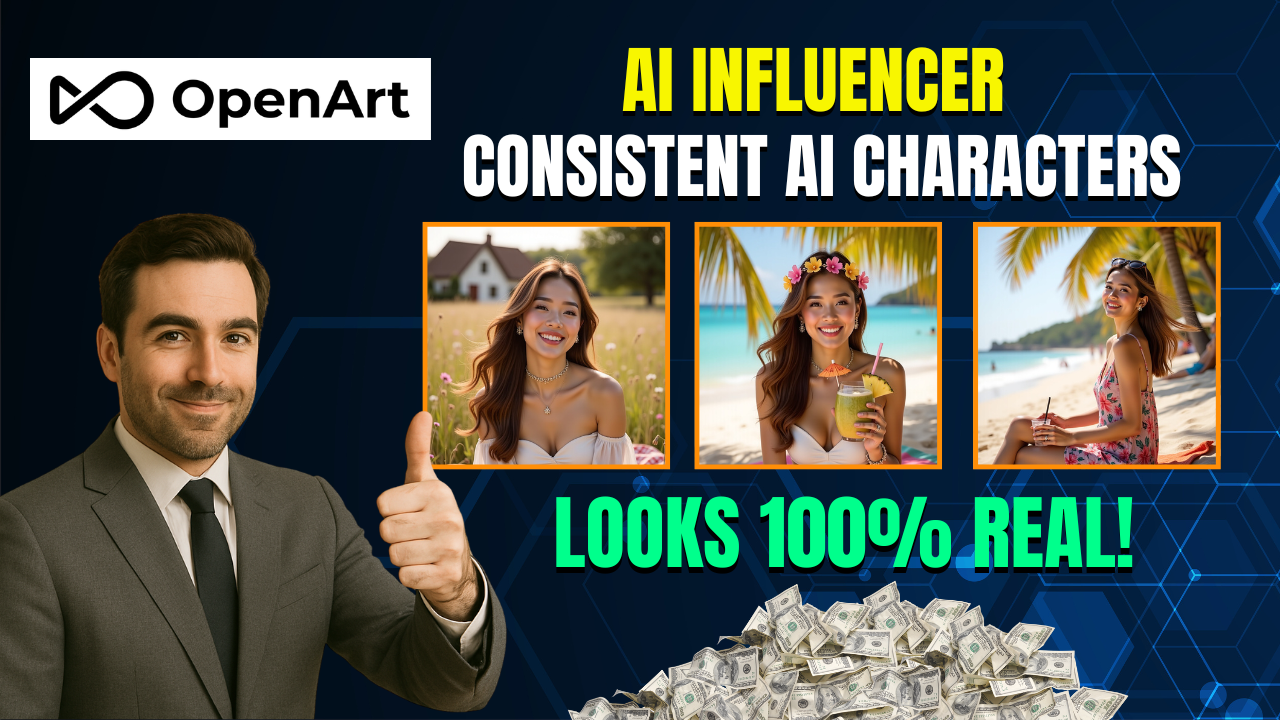
Creating a realistic virtual influencer used to be something that only large studios and big brands could do. Today, thanks to the AI Influencer Generator with OpenArt AI, anyone can build a fully consistent digital persona that looks like a real person and can generate content 24/7. Even better, this tool allows you to preserve the same face, style and energy across every post — which is exactly what you need to build trust, grow followers and monetize your content.
In this article, we’ll walk through how to use the AI Influencer Generator with OpenArt AI step by step to create a stunning, consistent virtual influencer in less than 15 minutes.

🔧 Step 1 – Sign Up and Access the Character Model (Flux Context)
Go to the official OpenArt AI website and create a free account. Once inside, navigate to the Character section. You’ll see three options to create your influencer:
| Option | Best Use |
|---|---|
| Text only | If you want a brand-new character |
| Single image | Fast start, low consistency |
| Multi-angle images | Best for high consistency |
To get perfect results with the AI Influencer Generator with OpenArt AI, use the multi-angle method. Upload 4–9 reference images of the same person from different angles (front, side, three-quarter, etc.). This allows the Flux Context model to build a 360° understanding of your character’s face.
🎨 Step 2 – Generate Your Base Character (Text to Image)
Before generating those nine images, you need one beautiful base image. Open the Text-to-Image tool and write a detailed prompt. If you struggle with prompts, simply copy a stock photo from Pinterest and ask ChatGPT:
“Write a detailed prompt to generate an AI image of this woman.”
Paste the prompt into OpenArt, and generate your base character.
Now ask ChatGPT:
“Create nine detailed prompts showing this exact character from different angles.”
Run all nine prompts using Flux context + Omni reference mode, and upload the base image as the visual reference.
After a few minutes, you’ll have 10 stunning images of the same person from all angles — ready to train your influencer model.
🧠 Step 3 – Train Your AI Influencer
Go back to the Character section → choose Start with 4+ images → upload all ten images.
Give your influencer a name (ex: “Sarah”). OpenArt will now train the model and preserve face structure, skin tone, hair and expressions perfectly. This is your unique AI Influencer Generator with OpenArt AI model.
Once training is complete, you can now create unlimited images of Sarah in any scenario or outfit.
✏️ Step 4 – Generate Influencer Content
To generate new content simply write a prompt like:
“Sarah, filming a vlog in a Parisian café, soft morning light, relaxed atmosphere, cinematic photography style.”
💡 Tip: Add mood, lighting and aesthetic keywords for better results.
Use the character weight slider at 0.8 and turn Preserve Key Features ON for maximum face consistency. Turn it OFF when you want outfit flexibility.
✅ Final Thoughts
The AI Influencer Generator with OpenArt AI is a game changer for content creators. You can now build a digital influencer that:
-
Looks completely real
-
Remains consistent across all posts
-
Can appear in any outfit or scenario
-
Helps you generate passive income
Try it once and you’ll understand why so many creators are switching to OpenArt AI to build their influencer brands.
- 👍 Like the video: This AI Influencer Looks 100% Real! Learn to Make Money Online with OpenArt AI
- 🔔 Subscribe to Nhat Anh AI
- 💬 Comment what topic you want next
- 📤 Share with friends ready to grow their YouTube journey
👉 What kind of influencer will you create with the AI Influencer Generator with OpenArt AI?
