
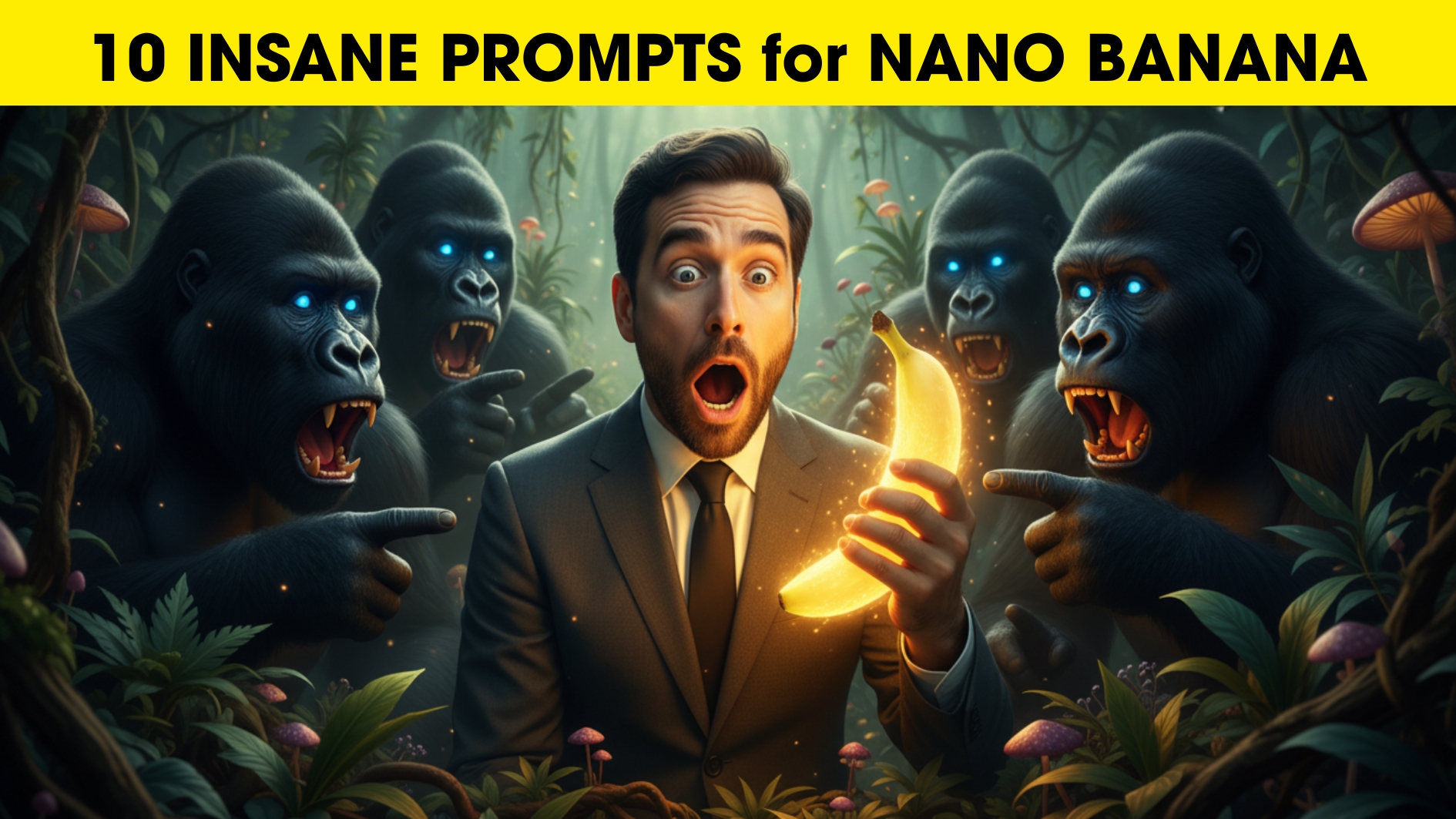
Artificial intelligence is transforming how we create images, videos, and digital content. And one of the newest, most exciting tools right now is Nano Banana — a next-generation AI model available on Openart AI. If you’ve been searching for the secrets to use Nano Banana with Openart AI effectively, this guide reveals everything you need to know to unlock its full creative power.

From combining multiple images into one scene to creating lifelike 3D models and even animating landmarks, Nano Banana opens endless possibilities for creators, designers, and content makers. Below, you’ll discover the top 10 secrets to use Nano Banana with Openart AI to create professional-quality results without spending a single cent.
1. Multi-Image Prompting: Combine Many Images into One
The first secret to use Nano Banana with Openart AI is multi-image prompting — a technique that allows you to merge multiple images into a single, cohesive artwork. Simply upload a collage of your desired elements, such as people, objects, and settings, then describe the scene in detail. Nano Banana will intelligently blend everything together into one natural, high-quality image.
2. Transform Yourself into Any Character
Another amazing secret to use Nano Banana with Openart AI is its ability to transform portraits. Whether you want to look like a TV journalist, astronaut, or fantasy hero, Nano Banana can instantly change your outfit, setting, and background with a single detailed prompt. Pair it with Openart’s Lip Sync feature, and you can even turn your AI photo into a speaking video.
3. Create 3D Figurine Models of Yourself
Have you ever dreamed of owning your own collectible figurine? With Nano Banana, that’s possible. Upload your photo, use a 3D render prompt, and the AI will generate a realistic figurine complete with a display box. It’s one of the most creative secrets to use Nano Banana with Openart AI, perfect for product design or digital art portfolios.
4. Try On Outfits Virtually
Nano Banana also lets you experiment with virtual fashion. Upload a photo of yourself and a flat-lay outfit image — the AI will seamlessly apply the clothing to your body. This secret to use Nano Banana with Openart AI is incredibly useful for influencers and stylists who want to visualize outfits before buying or promoting them.
5. Combine Multiple Characters in One Scene
With Nano Banana’s precise control, you can combine multiple characters from different universes into one scene. Whether you’re mixing anime heroes, video game icons, or real people, Nano Banana perfectly aligns proportions and lighting for a realistic crossover. This creative secret to use Nano Banana with Openart AI helps you make viral, story-driven visuals.
6. Animate Landmarks and Architecture
Another secret to use Nano Banana with Openart AI is pairing it with SeaArt or Kling to create animation sequences. You can make the Pyramids rise from the sand or buildings appear out of thin air. It’s perfect for travel, history, or cinematic storytelling videos.
7. Instantly Remove Strangers from Photos
Forget Photoshop. Nano Banana can remove unwanted people from your travel photos in seconds. Upload your picture, add a simple prompt like “remove all humans,” and watch the AI clean up your image perfectly — one of the most practical secrets to use Nano Banana with Openart AI for everyday creators.
8. Generate Multiple Angles from One Photo
Nano Banana can also create new camera angles — side, top, or back views — from just one portrait. This feature helps content creators produce multi-angle shots or 360° videos without reshooting.
9. Create a 3×3 Portrait Grid
Want a viral Instagram post? Use Nano Banana to generate a 3×3 grid of your photos in different environments and moods. Each image is unique, colorful, and perfectly suited for social media engagement.
10. Design Interiors with AI
Finally, one of the most powerful secrets to use Nano Banana with Openart AI is AI-powered interior design. Upload an empty room photo and describe your dream decor. In seconds, Nano Banana will generate a realistic, fully furnished version that looks like a professional 3D render.
Final Thoughts
These are the top 10 secrets to use Nano Banana with Openart AI to elevate your creativity and productivity. Whether you’re a digital artist, influencer, or entrepreneur, this combination of AI tools gives you professional results instantly.
Nano Banana and Openart AI are reshaping the future of creative design — and now, you have the roadmap to use them like a pro.
- 👍 Like the video: 🌈 The Ultimate Nano Banana Tutorial — Master AI Image Prompts with Openart AI Like a Pro! 🧠💫
- 🔔 Subscribe to Nhat Anh AI
- 💬 Comment what topic you want next
- 📤 Share with friends ready to grow their YouTube journey
- 🌐 Visit my website for more AI tools & tutorials: https://nhatanhai.com/
