
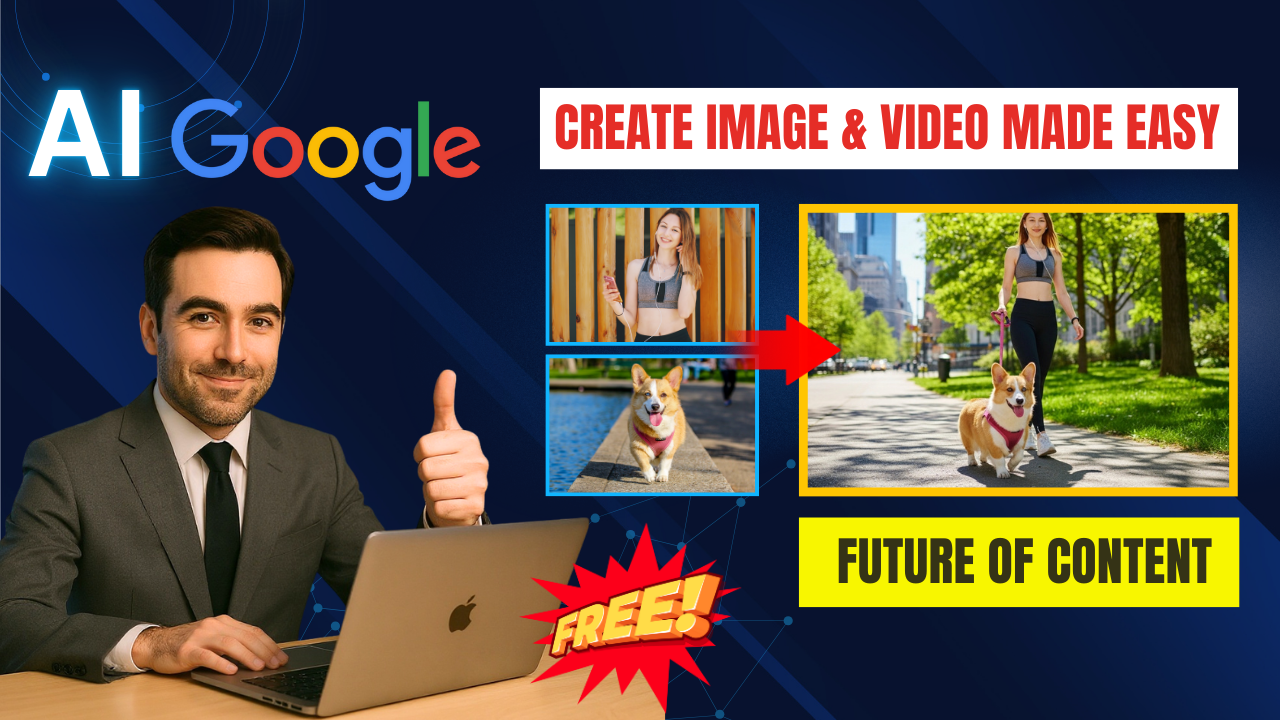
Content creation is changing faster than ever, and Google has just introduced a revolutionary tool that makes it easier than ever to design professional visuals. With Google Whisk, creators can now generate images and videos in just a few clicks—without writing long, complicated prompts. Even better, it is fully integrated with VEO 3, Google’s most advanced AI video generation model. This combination allows you to create AI videos Veo 3 with Google Whisk that look realistic, dynamic, and professional.

What Is Google Whisk?
Unlike traditional AI tools that require lengthy text prompts, Google Whisk simplifies the process by focusing on three inputs: Subject, Scene, and Style.
-
Subject: Upload your main character, product, or object.
-
Scene: Choose or generate the background environment.
-
Style: Select from realism, anime, cartoon, pixel art, or let AI suggest the best fit.
With these three simple steps, Whisk automatically combines everything into a polished image. And thanks to its integration with VEO 3, you can instantly animate those images into short, ultra-realistic AI videos.
Why VEO 3 Integration Matters
The ability to create AI videos Veo 3 with Google Whisk is what sets this tool apart from competitors like Midjourney or DALL-E. VEO 3 adds:
-
Smooth, lifelike motion for characters and objects.
-
Natural expressions and gestures synced with the scene.
-
Cinematic quality lighting and composition.
-
Free monthly quota: Every user gets up to 5 free video generations each month.
This makes it possible for creators to turn simple ideas into professional-grade video content in minutes.
Step-by-Step Guide
-
Access Google Whisk via labs.google.com. Sign in with your Google account.
-
Upload a Subject: This could be a person, product, pet, or even an AI-generated face.
-
Add a Scene: Choose an environment like a park, beach, or café—or let AI generate one.
-
Pick a Style: Decide between realistic, anime, or stylized.
-
Generate the Image: With one click, Whisk combines all elements seamlessly.
-
Animate with VEO 3: Hover over the image and select Create Animation. Within minutes, your still image becomes a dynamic video clip.
Real Applications
Creators around the world are already testing ways to create AI videos Veo 3 with Google Whisk for:
-
Content creation: Quick visuals for TikTok, YouTube Shorts, and Instagram Reels.
-
E-commerce: Generate product ads without photoshoots.
-
Marketing: Design posters and promotional videos in-house.
-
Personal projects: Custom greeting cards, invitations, or creative experiments.
-
Business presentations: Replace stock footage with unique AI-generated content.
Tips for Best Results
-
Always use high-quality subject images for better realism.
-
Be specific about lighting and atmosphere when describing scenes.
-
Keep prompts short and clear; Whisk is optimized for simplicity.
-
Use your 5 free VEO 3 videos strategically each month.
Pros and Cons
Advantages:
-
Extremely easy to use compared to prompt-heavy tools.
-
Built-in video generation with VEO 3.
-
High-quality, realistic results.
-
Free monthly video quota.
Limitations:
-
Currently available in limited regions.
-
Video rendering may take several minutes.
-
Free plan limited to 5 videos per month.
Final Thoughts
Google has taken a huge step forward in AI creativity. With the ability to create AI videos Veo 3 with Google Whisk, anyone—from beginners to professional marketers—can produce content that looks like it came out of a studio. Whether you’re building a YouTube channel, running ads for your e-commerce brand, or experimenting with personal projects, Whisk makes professional video creation accessible to all.
Now is the time to try it. Start with the free plan, test out your first animations, and see how quickly your creative workflow transforms. The future of AI-powered content is here—and Google Whisk is leading the way.
- 👍 Like the video: The Future is Here 🎬 Create Epic AI Image & Video Instantly with Google AI Whisk
- 🔔 Subscribe to Nhat Anh AI
- 💬 Comment what topic you want next
- 📤 Share with friends ready to grow their YouTube journey
- 🌐 Visit my website for more AI tools & tutorials: https://nhatanhai.com/
