
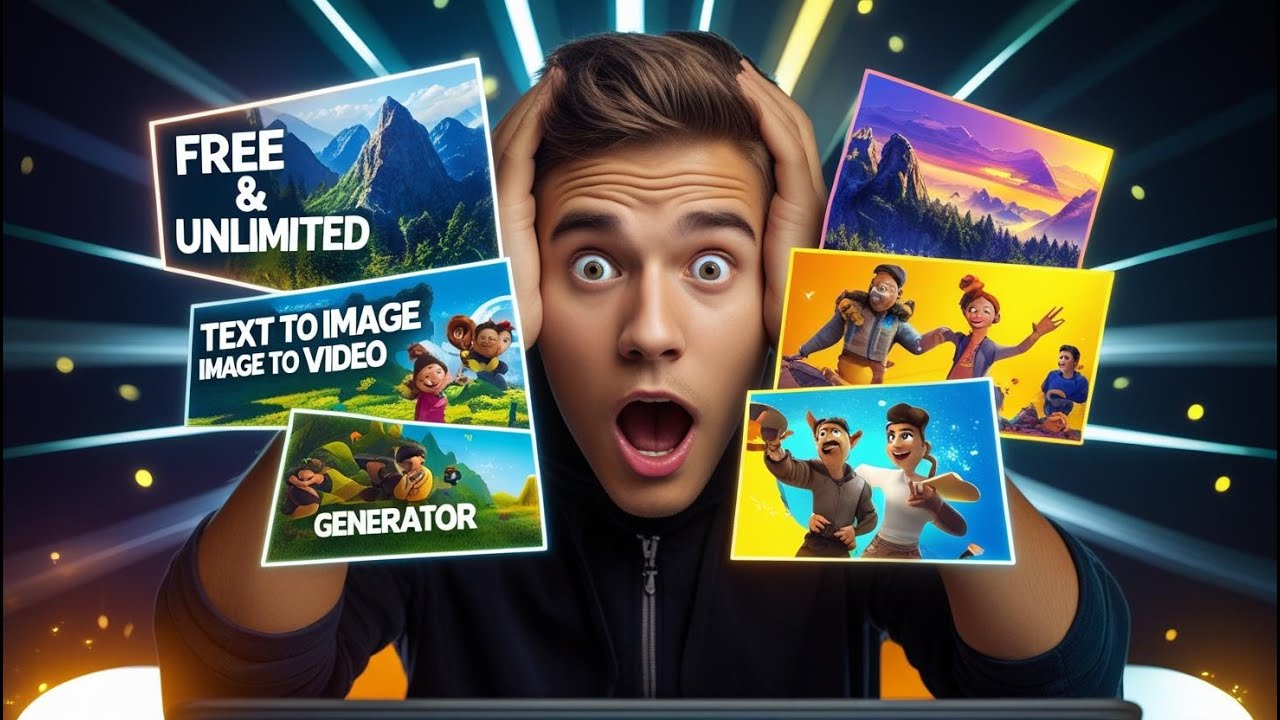
If you’re looking for a completely free tool that lets you generate Hollywood-style images and videos with zero watermark, then Vheer AI is a platform you definitely need to explore. In this detailed guide, you’ll learn exactly how to use the AI video and image Generator with Vheer AI to create high-quality visual content and turn it into an online income stream — all without any paid software or subscription.

🚀 What Is Vheer AI?
Vheer AI is a powerful AI video and image generator that converts text into ultra-realistic visuals and short cinematic clips. Unlike many other platforms, the free plan on Vheer AI currently offers unlimited usage, no watermark, and HD output. This makes it a perfect tool for content creators who want to grow on YouTube, TikTok, Instagram or sell AI media online.
⚠️ Note: Unlimited free access is available at the time of writing. It may change in the future, so start using it as soon as possible.
🖼 Step 1 – Create High-Quality AI Images (Text to Image)
Once you register (you can simply use your Google account), click Text to Image in the top menu.
Write a detailed prompt, for example:
“A beautiful realistic girl standing under golden sunlight, wearing a black leather jacket, cinematic photography style”
Choose:
-
Aspect Ratio → 16:9 for YouTube videos, 9:16 for Reels/Shorts
-
Model Quality → default (free)
Click Generate.
In just a few seconds, Vheer AI will produce a watermark-free photo that looks like it came from a professional shoot.
💡 Try different styles too (Pixar, Cyberpunk, Anime, Sci-Fi, etc.). Vheer AI is surprisingly good at all of them.
🎬 Step 2 – Bring Images to Life (Image to Video)
Now it’s time to turn your images into cinematic video clips.
Go to Image to Video → click Generate Video from Image → upload one of your generated photos.
Then describe how you want the scene to move:
“Smooth cinematic camera orbit around the car, neon lights reflecting off the surface”
Set:
-
Format → MP4
-
Duration → 5s
-
FPS → 24
-
Resolution → 768p (default)
Hit Generate.
In just a few minutes, you’ll get a breathtaking animated video with smooth motion and detailed effects.
🤖 Realistic Human Animation Example
Take it even further by animating a character image:
-
Upload a realistic portrait
-
Use a video prompt like “Girl smiles gently as snow falls in the background, cinematic camera movement”
Vheer AI will generate a short CGI clip that looks like a scene from a movie. The combination of facial animation and atmospheric effects is shockingly realistic, and 100% free.
💸 How to Make Money With Vheer AI
Now that you know how to generate beautiful AI images and videos, here are a few ways to monetize them:
| Method | How to Use Vheer AI |
|---|---|
| YouTube Shorts | Create motivational story videos from images + animations |
| TikTok/Reels | Post cinematic character clips daily and grow followers |
| Stock Platforms | Sell AI-generated visuals on marketplaces like Adobe Stock |
| Freelancing | Offer custom AI video/image services on Fiverr or Upwork |
| Digital Products | Sell AI-generated wallpapers, posters or avatar packs |
All of this can be done with the AI video and image Generator with Vheer AI, and requires no initial investment.
✅ Final Thoughts
The AI video and image Generator with Vheer AI gives you everything you need to create viral-quality content — for free. With just a short text prompt, you can produce cinematic visuals, animated characters and photo-realistic scenes that look like they were made by a professional studio.
If you want to start making money with AI content, this is one of the best tools to begin with.
👉 Try it now and let me know in the comments:
What’s the first image or video you want to generate with AI video and image Generator with Vheer AI?
- 👍 Like the video: Can Vheer AI Really Help You Make Money Online for FREE in Just 30 Days?
- 🔔 Subscribe to Nhat Anh AI
- 💬 Comment what topic you want next
- 📤 Share with friends ready to grow their YouTube journey
- 🌐 Visit my website for more AI tools & tutorials: https://nhatanhai.com/
