
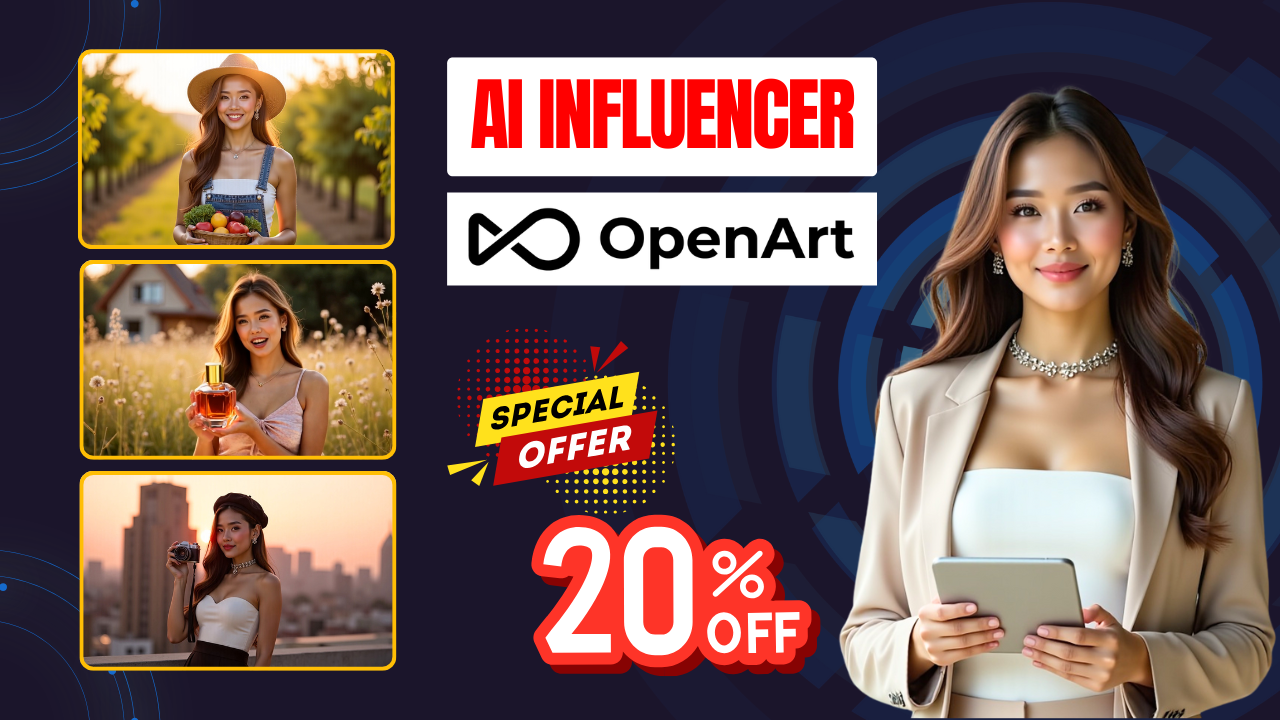
If you’re looking for a fast and reliable way to build a virtual brand ambassador for TikTok, Instagram or YouTube, the AI Influencer Generator with Openart AI is one of the most powerful tools available right now. Instead of relying on generic templates or inconsistent AI models, this platform lets you generate highly realistic AI characters and turn them into videos – all within a few minutes.
In this detailed guide, you’ll learn how to build your own AI influencer from scratch using both the AI image generator and AI video generator inside Openart AI.

🔧 Step 1 – Train Your AI Influencer (Character Creation)
Openart AI starts by letting you train a character so that all future images and videos look consistent. You’ll find three options:
| Option | Use Case |
|---|---|
| 4+ images | Best if you already have a model reference |
| 1 image | Quick setup |
| Scratch | AI-generated influencer from zero |
After uploading a photo (or generating one), Openart creates a reusable model. This is the foundation of your AI Influencer Generator with Openart AI workflow.
🎨 Step 2 – Generate Consistent Images (AI Image Generator)
Choose “Prompt + Reference” and select your trained character.
Now enter a detailed description:
“Stylish young woman wearing an elegant beige suit walking confidently through a modern city street in golden sunset light.”
You can fine-tune the result using:
-
Pose Reference
-
Background Placement Tool
-
High Resolution Output
Once generated, you’ll have multiple AI images with the same appearance, lighting and facial features — perfect for building your influencer’s content library.
🎬 Step 3 – Create Talking Videos (AI Video Generator)
Open the AI Video Generator module. You’ll see four modes:
-
Text (text → video)
-
Image to Video (best for influencers)
-
Element (add products)
-
Lip Sync
Start with Image to Video, choose a generation model such as Cedance 1.0 (fast and cost-effective), then select one of your images as the first frame.
Add a detailed prompt like:
“Stylish woman strolls down a lively city street and smiles directly at the viewer as if introducing herself.”
You can enable:
-
Automatic sound effects
-
Lip sync (type the text you want the AI influencer to speak)
Click Generate and Openart AI will produce a high-quality influencer video — realistic movements, accurate lip sync and natural expressions.
🛍️ Step 4 – Monetize with Product Promotion
Switch to the Element mode → choose your AI influencer → upload a product image and write a prompt like:
“The influencer picks up the perfume bottle, gently sprays it into the air and smiles confidently at the camera.”
The result is a fully AI-generated product promotion video ready to upload to social media and use in paid ads.
✅ Final Thoughts
With the AI Influencer Generator with Openart AI, anyone can build a virtual influencer brand from scratch in minutes. You can:
-
Train a consistent character
-
Generate dozens of high-quality AI images
-
Turn them into engaging talking videos
-
Promote products automatically
This is an ideal solution for creators, agencies and businesses looking to scale content or launch new digital products.
👉 Ready to build your own AI influencer? Try AI Influencer Generator with Openart AI and let me know what niche you’ll target first!
- 👍 Like the video: AI Influencer Generator with Openart AI: Create Stunning Virtual Influencers in Minutes
- 🔔 Subscribe to Nhat Anh AI
- 💬 Comment what topic you want next
- 📤 Share with friends ready to grow their YouTube journey
- 🌐 Visit my website for more AI tools & tutorials: https://nhatanhai.com/
