
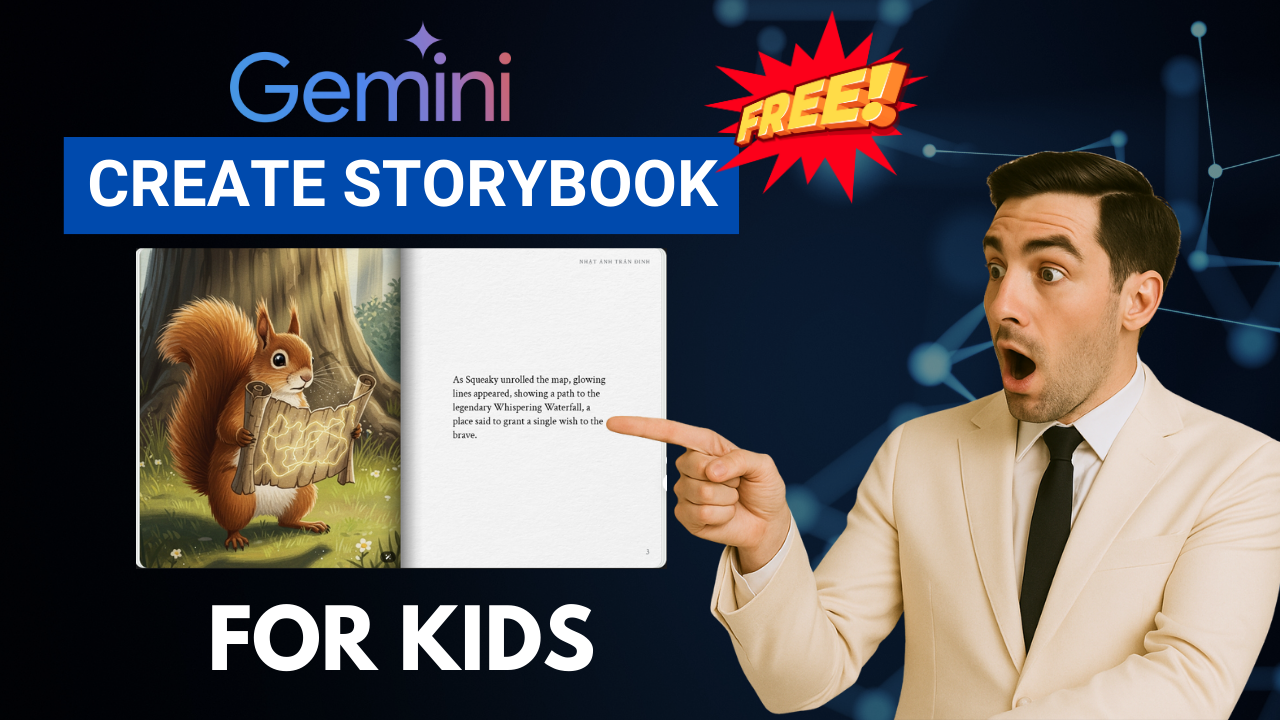
Are you looking for a fast and easy way to create beautiful storybooks without drawing, designing or hiring an illustrator? With Google’s latest innovation, you can now Create Storybook with Gemini AI using just one command – completely free. This powerful feature allows you to generate full children’s storybooks with consistent illustrations and even natural voice narration in just a few minutes.
In this guide, you’ll learn exactly how to Create Storybook with Gemini AI from start to finish, along with tips to customize the art style, change content and turn your book into printable format.

🌟 What Is the Gemini AI Storybook Feature?
Gemini AI is Google’s advanced artificial intelligence model. Recently, it introduced a new Storybook feature that lets users create fully illustrated storybooks directly in the chat interface.
With this single tool, you can:
-
Automatically generate stories and matching illustrations
-
Choose different art styles (anime, pixel, watercolor, Pixar…)
-
Add text-to-speech narration
-
Edit characters and scenes in seconds
-
Export or print your storybook
That means anyone can now Create Storybook with Gemini AI – even without design or writing skills.
🛠 How to Create Storybook with Gemini AI (Step-by-Step)
Step 1 – Access Gemini
Open your browser and go to Gemini (link in the video description). You can use the free version — no paid plan is required.
Step 2 – Find the Storybook Mode
There are 2 ways to activate it:
-
Click the Storybook icon on the main screen
-
Or start a new chat and type: “Create a storybook about…”
Step 3 – Enter Your Request
Example prompt:
“Create a storybook about a brave squirrel and a magical map.”
Gemini will start generating the full story and its illustrations automatically.
If you want a specific character (e.g., yourself), you can also upload a photo and Gemini AI will match the character in all pages.
🎨 Customize the Art Style
One of the best things about Create Storybook with Gemini AI is the ability to change the visual style anytime.
Try prompts like:
-
“Change this storybook to pixel art style”
-
“Redraw all illustrations in Japanese anime style”
-
“Convert this into watercolor style”
Gemini will instantly redraw all pages while keeping the content and characters consistent.
🖍 Convert to Coloring Book
You can also turn the storybook into a printable coloring book.
Simply type:
“Convert this storybook into a coloring book”
Gemini will remove all colors and output line drawings — perfect for kids to color.
✏️ Edit Any Page or Character
Want to make small changes? Just write a simple request.
Example:
“Change the bus driver on page 3 from tall and thin to short and chubby.”
Gemini will update both the illustration and the text. Quick and effortless.
📤 Export, Share or Print
Once your story is ready, click Share or Print in the top-right corner.
You can:
-
Download the book as PDF
-
Print it at home
-
Share it online with friends, students or clients
✅ Final Thoughts
With the Storybook feature, it has never been easier to Create Storybook with Gemini AI. Just one sentence and the AI will generate a fully illustrated, narrated book in a few minutes — and keep the style consistent across every page. Whether you want to make educational content, use it for brand storytelling or simply create fun stories for children, this tool is incredibly powerful and 100% free to use.
👉 Try it now and see what kind of unique story you can create.
- 👍 Like the video: Unbelievable! Gemini AI Storybook Creates Stunning Stories in Minutes 📖✨
- 🔔 Subscribe to Nhat Anh AI
- 💬 Comment what topic you want next
- 📤 Share with friends ready to grow their YouTube journey
