
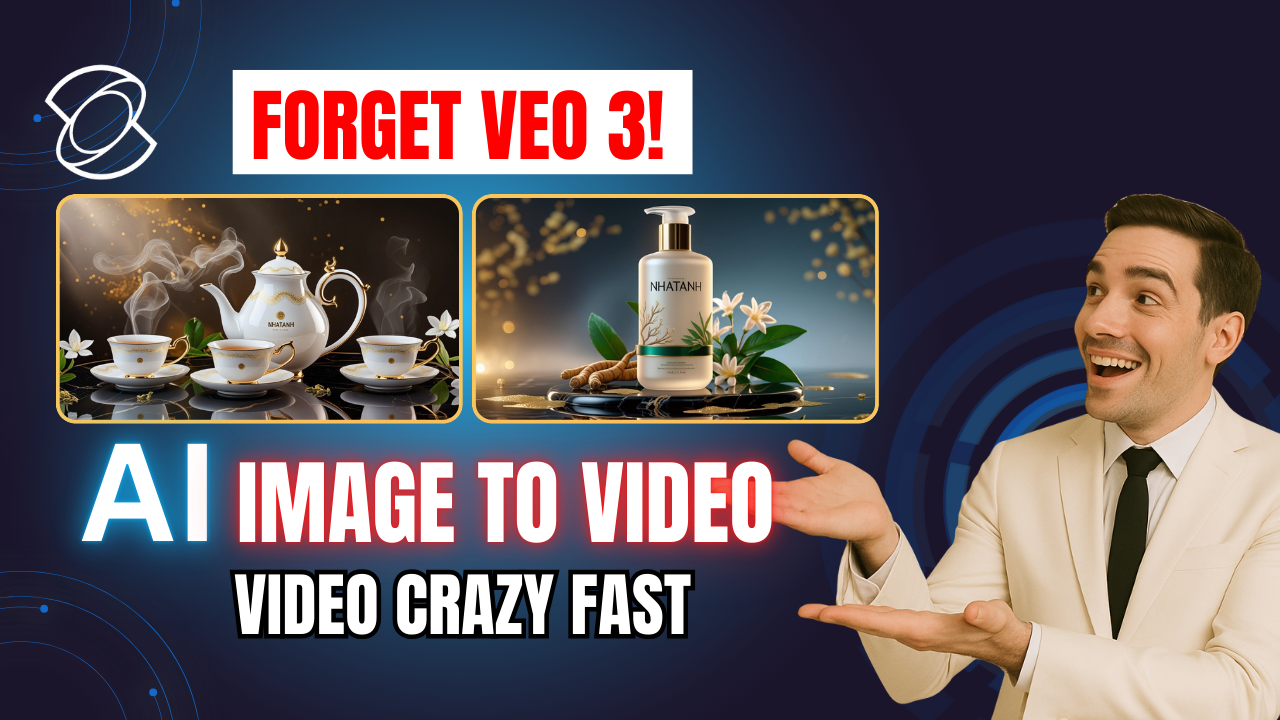
If you’re looking for a fast and professional way to create videos without filming or editing, the AI Video Generator from Kling AI is one of the most powerful tools you can use today. Whether you want to turn a text prompt into a cinematic sequence or transform a static image into a dynamic video, Kling AI gives you everything you need in a single interface.

⚡ What Makes Kling AI Stand Out?
The new Kling AI (version 2.1) delivers massive improvements:
-
✅ 1080p high-resolution videos
-
✅ Generates a complete video in 30 seconds
-
✅ Accurate motion and natural animation
-
✅ Supports text to video, image to video, and multi-element video creation
-
✅ Built-in sound effects and lip sync
This means you can now go from idea → full video without touching any editing software.
🖼️ Feature 1 – Image to Video
Have you ever wondered how to bring a still image to life? With image to video, Kling AI allows you to upload an image and instantly animate it. You can even upload a second image as the final frame to control how the video ends (perfect for storytelling or product scenes).
To get the best results, simply:
-
Upload your image
-
Write a detailed prompt describing the movement and mood
-
Add negative prompts (e.g. blurry, distorted) to avoid errors
-
Set the video duration and resolution
-
Click Generate
Example:
“A woman in a bright city street turning her head and smiling at the camera, cinematic lighting, smooth motion”
→ Kling AI will produce a smooth, high-quality clip with natural motion and matching sound effects.
✏️ Feature 2 – Text to Video
If you don’t have an image, just type a text prompt and Kling’s AI Video Generator will generate everything for you – visuals, motion and context.
This is perfect for story-based videos, cinematic ads or concept visuals. You can even use Kling’s built-in assistant DeepSeek to auto-generate a prompt if you don’t know what to write.
Example:
“Epic sci-fi scene of a lone warrior standing on a cliff under a stormy sky, dramatic atmosphere”
→ Kling AI instantly creates a motion video based on that description.
🎙️ Bonus Feature – Lip Sync for Talking Avatars
Kling AI also has a powerful lip sync mode. Upload a portrait image, then:
-
Type the script (or upload your own audio)
-
Select a voice
-
Click Generate
The result is a fully animated talking avatar – perfect for explainer videos, educational content or personalised marketing.
🔧 Pro Tips for Best Results
| Tip | Benefit |
|---|---|
| Use detailed emotional keywords | Adds depth to the video |
| Always include negative prompts | Prevents common AI artifacts |
| Try different duration settings | Helps find the most natural motion |
| Use DeepSeek | Quickly generates effective prompts |
✅ Final Thoughts
Thanks to its full suite of AI Video Generator tools, Kling AI delivers one of the fastest and most intuitive experiences for content creators. Whether you’re using text to video to build cinematic scenes or image to video to animate visuals for ads or social media, Kling AI gives you professional results within minutes.
If you’re a creator, marketer or simply curious about AI video generation, this is a tool you definitely need to try.
👉 Start using Kling AI today and bring your ideas to life with just a few words or images.
- 👍 Like the video: AI Image to Video & Text to Video in Minutes?! Kling AI + AI Video Generator Is Insane! 🔥
- 🔔 Subscribe to Nhat Anh AI
- 💬 Comment what topic you want next
- 📤 Share with friends ready to grow their YouTube journey
- 🌐 Visit my website for more AI tools & tutorials: https://nhatanhai.com/
