
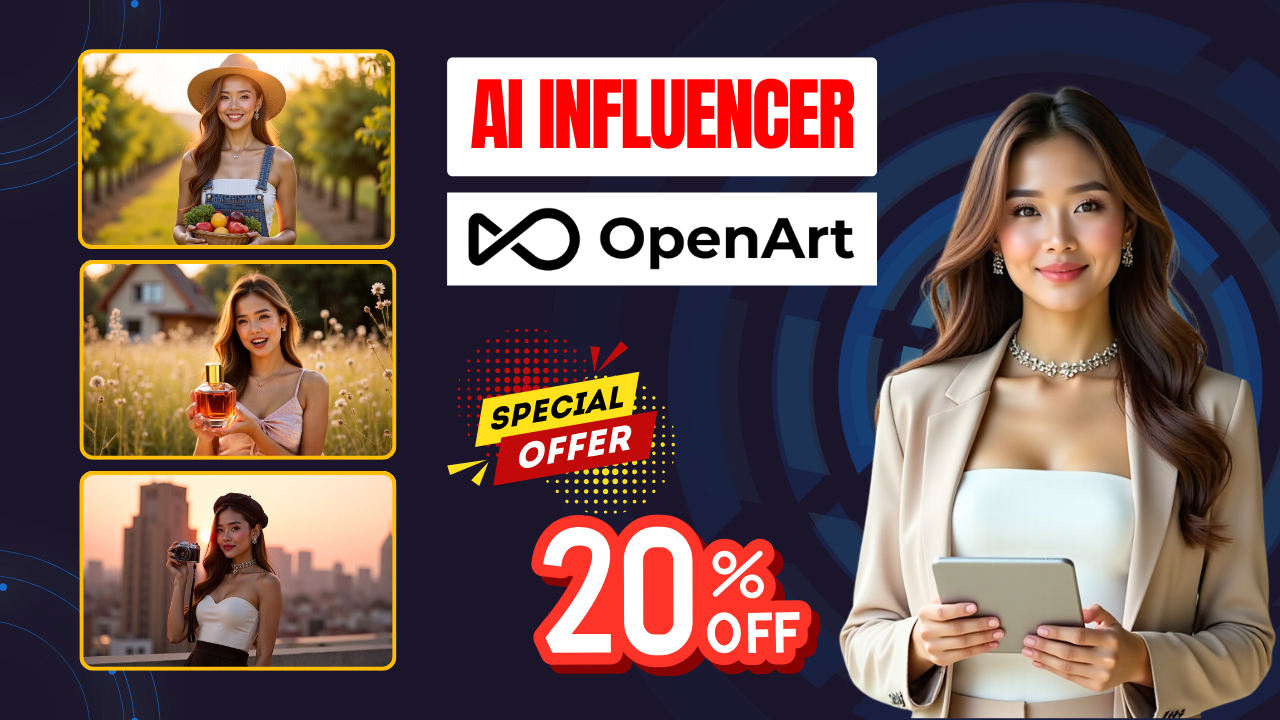
Creating a realistic AI Influencer may sound complicated, but with OpenArt AI, you can build a fully customized virtual persona in just a few minutes and start using it to promote products, create marketing content or grow a faceless channel.
OpenArt AI combines two core technologies – AI image generation and AI video generator – allowing you to train a consistent character and then generate high-quality photo and video content based on simple prompts. This makes it the most practical solution for building an AI Influencer that can work 24/7.

🔧 Step 1 – Train Your Character
After signing up on the OpenArt AI platform, click Train a Character.
Here you can:
-
Upload 4–8 photos of a real person (highest consistency)
-
Use a single image (quick start)
-
Create a character from scratch
Once training is complete, the AI will store your character model and use it for all future images and videos.
🎨 Step 2 – Generate AI Influencer Images
Go to Prompt & Reference → select your trained character → enter a detailed prompt describing outfit, hairstyle, background, facial expression and mood.
OpenArt AI allows you to add pose reference, image reference and sketch reference to keep the results accurate and on-brand.
Always select high resolution for the best quality.
🎥 Step 3 – Create Videos with the AI Video Generator
Open the AI Video Generator module in OpenArt AI and choose Image to Video.
Select a generation model (Seedance, VO3, etc.), upload your character image as the first frame and write a detailed prompt.
For example:
“A confident AI influencer walking across a stylish city street looking at the camera, smiling and greeting the audience.”
You can also enable the lip sync option and write the dialogue you want the AI Influencer to speak.
OpenArt AI will automatically synchronize voice, mouth movement and facial expression.
🛒 Step 4 – Use Your AI Influencer for Product Promotion
Switch to the Element mode and:
-
Select your character
-
Upload a product image
-
Describe how the character interacts with the product
(e.g. “Holding a skincare bottle and explaining its benefits”)
The AI will generate a video that looks like a real commercial – perfect for TikTok, Instagram, YouTube Shorts or Facebook Ads.
✅ Final Thoughts
By combining the “train a character” feature with the AI video generator inside OpenArt AI, you can create a consistent, highly realistic AI Influencer without any design or editing skills.
This virtual influencer can generate photos, videos and product pitches on demand – giving you a scalable way to build a brand, sell products or grow a faceless channel with full creative control.
- 👍 Like the video: AI Influencer Generator with Openart AI: Create Stunning Virtual Influencers in Minutes
- 🔔 Subscribe to Nhat Anh AI
- 💬 Comment what topic you want next
- 📤 Share with friends ready to grow their YouTube journey
