
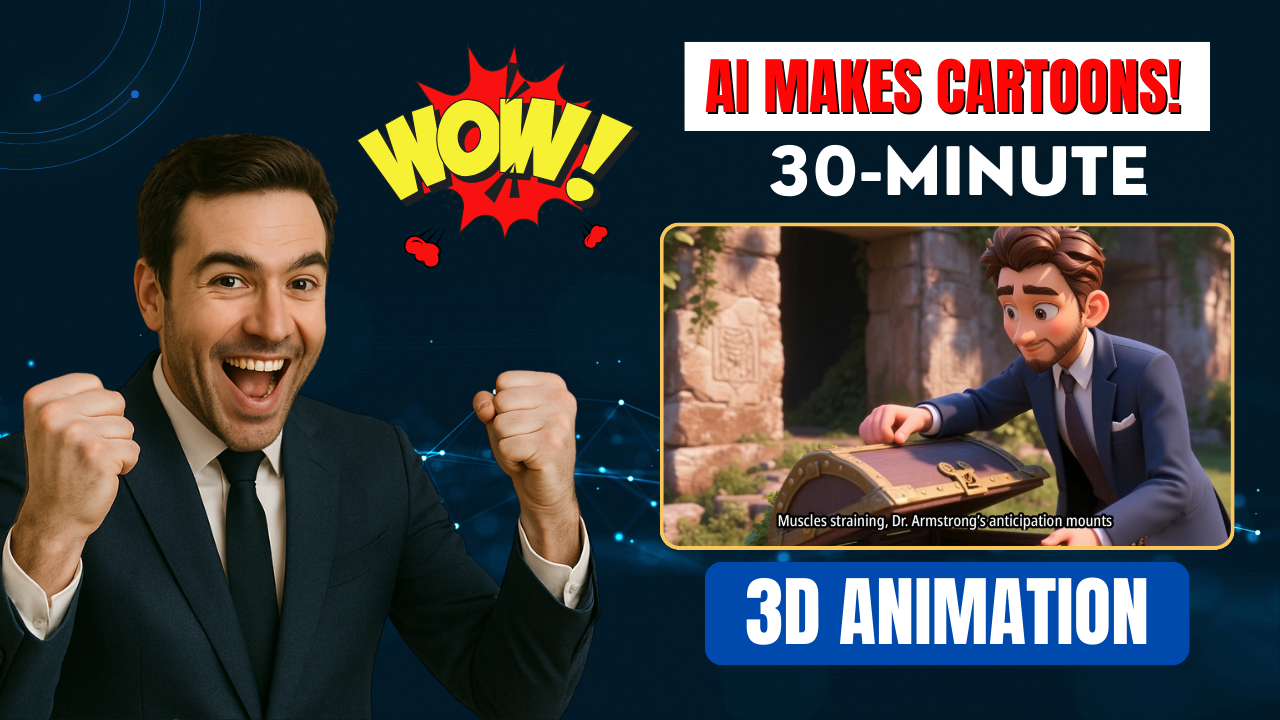
Looking for a powerful way to produce professional animation video content without spending weeks on scripting, storyboarding or editing? With MagicLight AI, you can now transform a single sentence into a full 30-minute 3D animation video – complete with a logical storyline, character development and natural voice narration. In this detailed SEO guide, we’ll show you exactly how to use MagicLight AI to turn simple ideas into fully animated movies that stand out from generic AI content and get real engagement.

🚀 Why MagicLight AI is a Game-Changer for Animation Video Creation
Traditional animated video production requires a massive investment of time, money and skills. MagicLight AI changes all of that. Instead of rigid pre-made templates, this tool gives you full control over:
-
Storyline development
-
Character design
-
Visual style (3D, anime, Pixar, realistic…)
-
Voice narration and lip-sync
-
Scene-by-scene customization
The best part? You can start completely free and generate up to 30 minutes of animation video using just one single command.
🔧 Step-by-Step: How to Make a 30-Minute Animation Video with MagicLight AI
Step 1 – Create a New Project
Head to MagicLight AI and click Create. You’ll see two modes:
-
Smart Script: enter an idea and let the AI write the full script.
-
Basic: upload your own script.
To show the power of the tool, just enter a short sentence like:
“A brave explorer finds a mysterious chest filled with ancient secrets of fortune.”
Step 2 – Choose Basic Settings
Next, set your video parameters:
-
Aspect ratio (landscape for YouTube, vertical for TikTok)
-
Language (MagicLight AI supports multiple languages)
-
Visual style → choose 3D animation or Pixar style
MagicLight AI now recognizes your idea and prepares to generate a full 30-minute animation video from it.
Step 3 – Generate Story Outline
The AI delivers a complete scene-by-scene outline and synopsis. You can edit or rearrange any part of the outline before moving on to the next step.
Step 4 – Create Customized Characters
This is where MagicLight AI really shines. Instead of generic stock characters, you can upload your own photo and turn yourself into the main character of the animation video. This creates a unique and personalized result that stands out from other AI-generated content.
Step 5 – Storyboard and Voice Setup
MagicLight AI generates detailed images for each scene. You can add narration using AI voices or upload a custom voice clone for maximum personalization. Most creators ignore this step – but unique voices drastically improve retention and authenticity.
Step 6 – Scene Editing and Animation
Preview each scene and edit any prompt or character position. Then click Animate → choose a video model → and let MagicLight AI transform still images into 3D animated clips (with lip-sync included).
Repeat for all scenes of the outline.
Step 7 – Final Settings and Rendering
Add subtitles, choose background music and set your title. Finally click Generate, select 720p or 1080p, and MagicLight AI will render your complete animation video.
✅ Results and Practical Applications
In just a few minutes, you’ll have a complete animation video with:
-
Consistent characters
-
Professional dialogue and voice-over
-
Cinematic 3D visuals
-
Fully customized scenes and storyline
This type of high-quality long-form content performs very well on YouTube, Facebook Watch, and even paid platforms.
🧠 Final Tips for Success with MagicLight AI
| Tip | Why it Matters |
|---|---|
| Use a unique voice clone | Avoid sounding like other AI videos |
| Upload personal character images | Increases viewer connection |
| Always tweak the outline | Make the story more original |
| Choose the right visual style | Pixar/3D works best for family audience |
Conclusion
MagicLight AI is currently the most flexible and powerful animation video tool available. Instead of using generic templates, it gives you full control and allows you to produce long-form 3D animated videos from a single prompt.
Try MagicLight AI today to turn your ideas into monetizable video content — and start standing out on YouTube with unique, high-quality animation video projects.
If you want a list of powerful prompts to use with MagicLight AI, just reply “send prompt list” and I’ll send you a ready-to-use collection for free!
- 👍 Like the video: This AI Video Generator with Magiclight AI Creates Full 30-Minute 3D Animation Videos in Minutes! 🚀
- 🔔 Subscribe to Nhat Anh AI
- 💬 Comment what topic you want next
- 📤 Share with friends ready to grow their YouTube journey
- 🌐 Visit my website for more AI tools & tutorials: https://nhatanhai.com/
